Start with the laptop's charging requirement
Find the laptop manufacturer's supported USB-C charging path and recommended adapter rating. A power bank with a large capacity can still be unsuitable if its output lacks the required profile or enough power for the workload. Check the bank's single-port output, not only the combined total across every socket. Also confirm the cable's power rating. The bank, cable, and laptop must share a supported arrangement.
For a demanding laptop, distinguish charging while shut down from supporting active work. A bank that slowly replenishes the battery overnight may not prevent battery decline during rendering or gaming. If the manufacturer documents operation with a lower-power source, decide whether that compromise fits the intended session. A charging icon alone does not establish that the bank can sustain the task.
Estimate the energy reserve in watt-hours
Compare the bank's nominal watt-hours with the laptop battery's energy capacity, allowing for conversion losses and the laptop's activity. Do not compare their mAh figures unless the voltage basis is understood. A bank with less nominal energy than the laptop battery cannot be assumed to provide a complete refill, and even equal nominal energy would not all reach the laptop battery because the transfer is not lossless.
For planning, consider the work you need to finish rather than only a full-charge count. A short train journey with light document editing may need much less energy than several hours of processor-heavy work. Lowering unnecessary screen brightness and stopping unneeded background tasks can reduce demand, but it does not change an unsupported charging profile into a supported one. Compatibility comes first; efficiency choices come afterward.
Read the simultaneous-output table
If the bank will also charge a phone, examine what happens to the laptop port when the second device is connected. The total advertised wattage may be shared, and the allocation can depend on the chosen ports. A bank that meets the laptop requirement alone may fall short in a two-device arrangement. Keep a dedicated laptop port identified if the product uses asymmetric outputs.
- Verify the maximum output of the exact port intended for the laptop.
- Check supported voltage and current profiles against the laptop manufacturer's requirements.
- Read the allocation for laptop-plus-phone use instead of assuming the single-port rating remains available.
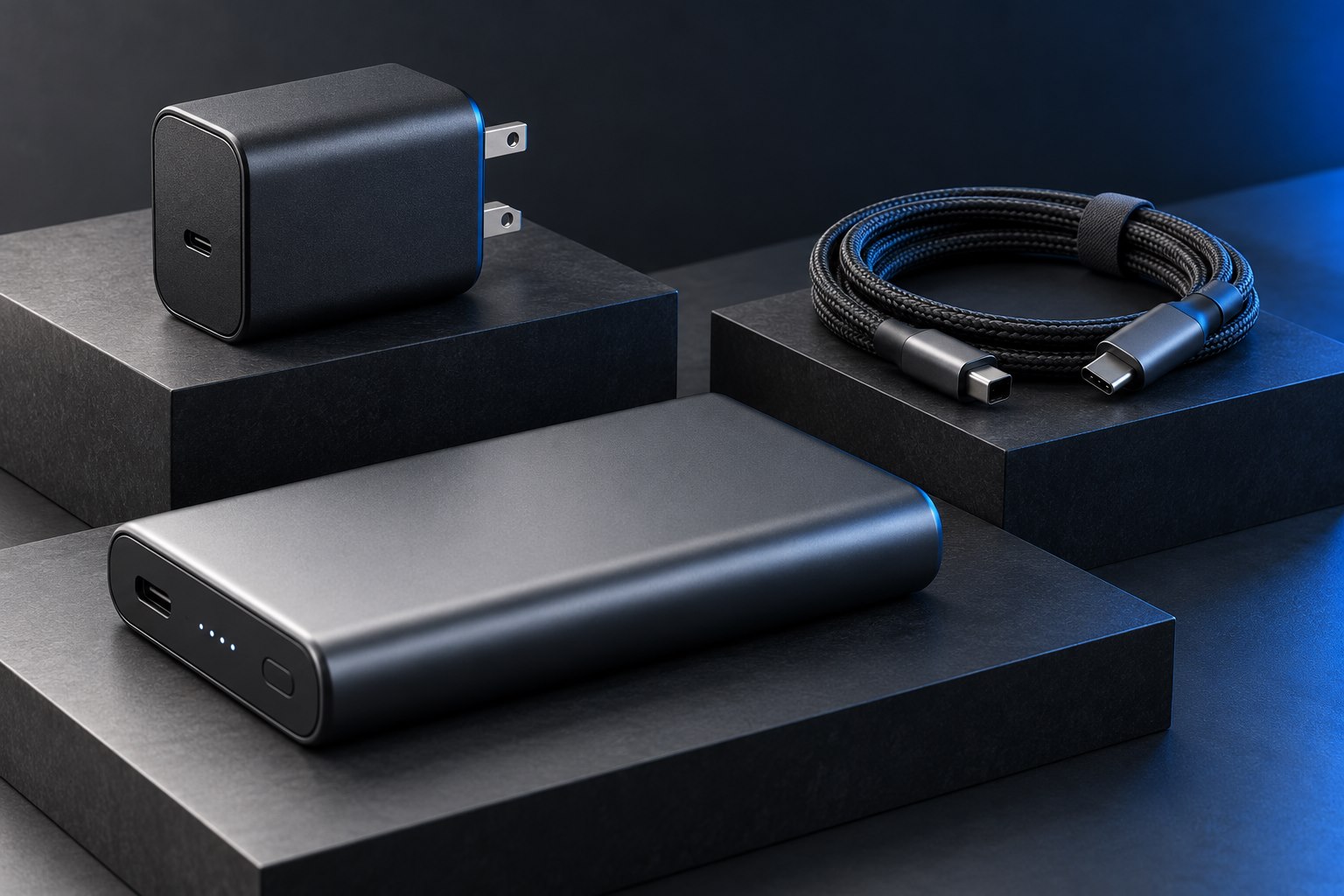
- Include a suitable high-power cable in the carried kit and keep its rating identifiable.
- Check the bank's own recharge requirements so it can be ready before the next day of work.
Consider weight, placement, and recharge time
Laptop-capable banks can be substantial objects. Measure the bag compartment and consider whether the weight is justified by the actual gap in your charging access. During use, place the bank securely with room around it and avoid covering it under clothing or paperwork. A short cable may be convenient on a table but too short when the bank must remain in a safe location beside the seat.
High output does not automatically mean fast input. The bank may require a capable wall charger and cable to recharge quickly, and some products have different limits for input and output on their ports. Include that charger in the complete travel kit comparison. A bank that takes too long to replenish between workdays may be less useful than a smaller model with a better-fitting recharge routine.
Validate one ordinary session
Test with the laptop partly discharged and the usual applications running. Observe the laptop battery trend and the bank's remaining energy over the session, then repeat with the phone connected if that is the intended pattern. Treat the result as a practical estimate for your workload rather than a universal runtime claim. Before air travel, consult the current airline and relevant authority rules using the bank's printed watt-hour rating; capacity and carriage policy are separate purchasing checks.
Sources & further detail
These references support the technical context. Examples and selection advice are editorial explanations; verify the documentation for your exact equipment and software.
A detail we should revisit? Send the guide URL and the relevant documentation to SmithKent5791@outlook.com.
Read the editorial policy