The base carries the job
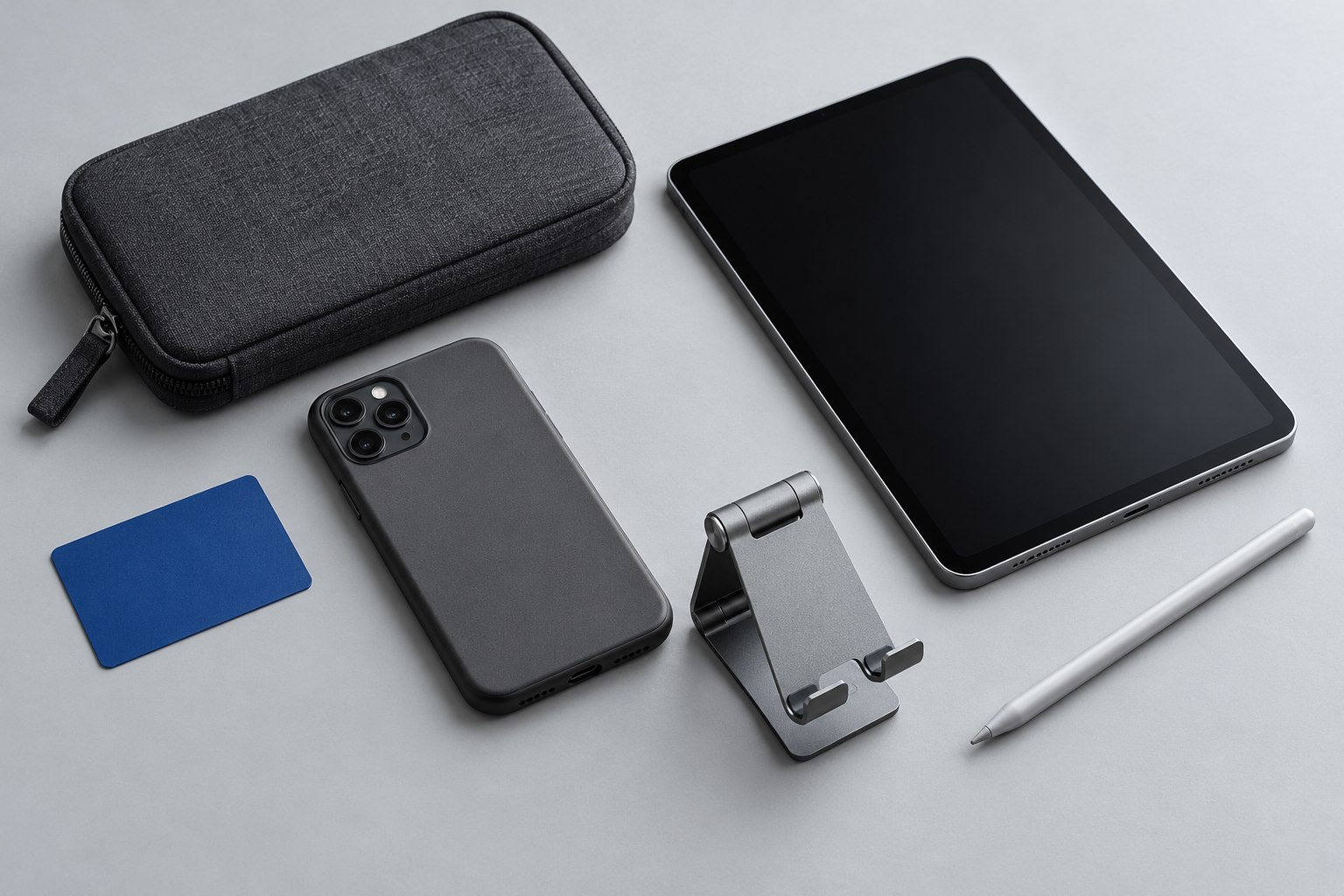
A small folding stand can turn a phone into a useful second screen for recipes, calls, or reference notes. Its first requirement is a base that keeps the device steady at the angle you need. A stand that folds into a thin card may be easy to carry but offer little support when the phone is raised high.
Consider the combined shape of stand and phone. In portrait orientation, a tall device places more weight above the hinge. A heavy case or grip can shift that weight farther forward. Put the actual phone into the stand, change the angle, and watch whether the rear foot remains firmly planted. A stand that tips when adjusted is a poor match even if its stated size range includes the device.
Touching is different from watching
Watching a video asks little of the support. Typing a message or pressing a button near the top of the screen creates a stronger turning force. Test the taps you expect to make: the top corner of a recipe, the mute control during a call, and the bottom navigation gesture. A useful stand should not slide across the table each time.
Rubber pads help only when they contact the surface and remain clean. If a desk is uneven or covered in a soft mat, a broad rigid base may perform better than tiny feet. On a moving train, keep the stand well back from the table edge and expect that abrupt movement can overcome an otherwise reasonable design.
Look at the cradle
The lower lip must hold the phone without covering a home gesture or pinching the cable. Deep cradles accommodate thick cases but can obscure the bottom of small screens. A cutout for a connector is useful only if it leaves room for the connector housing and a relaxed cable bend.
Check the back support as well. A large camera bump may rest against one small point, allowing the phone to rock. A stand with two spaced contact pads can avoid this problem if the pads fall away from the lenses. Magnetic designs remove the lower cradle, but they require a compatible attachment system; product ranges such as Peak Design's show why case and mount compatibility should be checked together.
Set height for the setting
A low stand is often enough for a recipe beside a mixing bowl. A video call benefits from a higher camera position, but raising the phone can reduce stability on compact designs. Rather than extending every hinge fully, move the stand farther away and adjust the viewing angle. If a tall position is essential, choose a base designed to support it.
Keep the phone away from a spill zone and leave room for any cable to move without pulling the stand. A cable stretched tightly toward a socket can tip the whole setup when someone brushes it. For bedside use, route the cable behind the furniture instead of across the edge where it can catch.
Before packing a hinged stand, fold it as intended and avoid forcing a stiff joint backward. Check screws or tension adjustments only where the maker permits them. A stable stand should be simple enough that you can unfold it consistently, with the same angle and support, without balancing the phone anew every time.
Sources & further detail
These references support the technical context. Examples and selection advice are editorial explanations; verify the documentation for your exact equipment and software.
A detail we should revisit? Send the guide URL and the relevant documentation to SmithKent5791@outlook.com.
Read the editorial policy