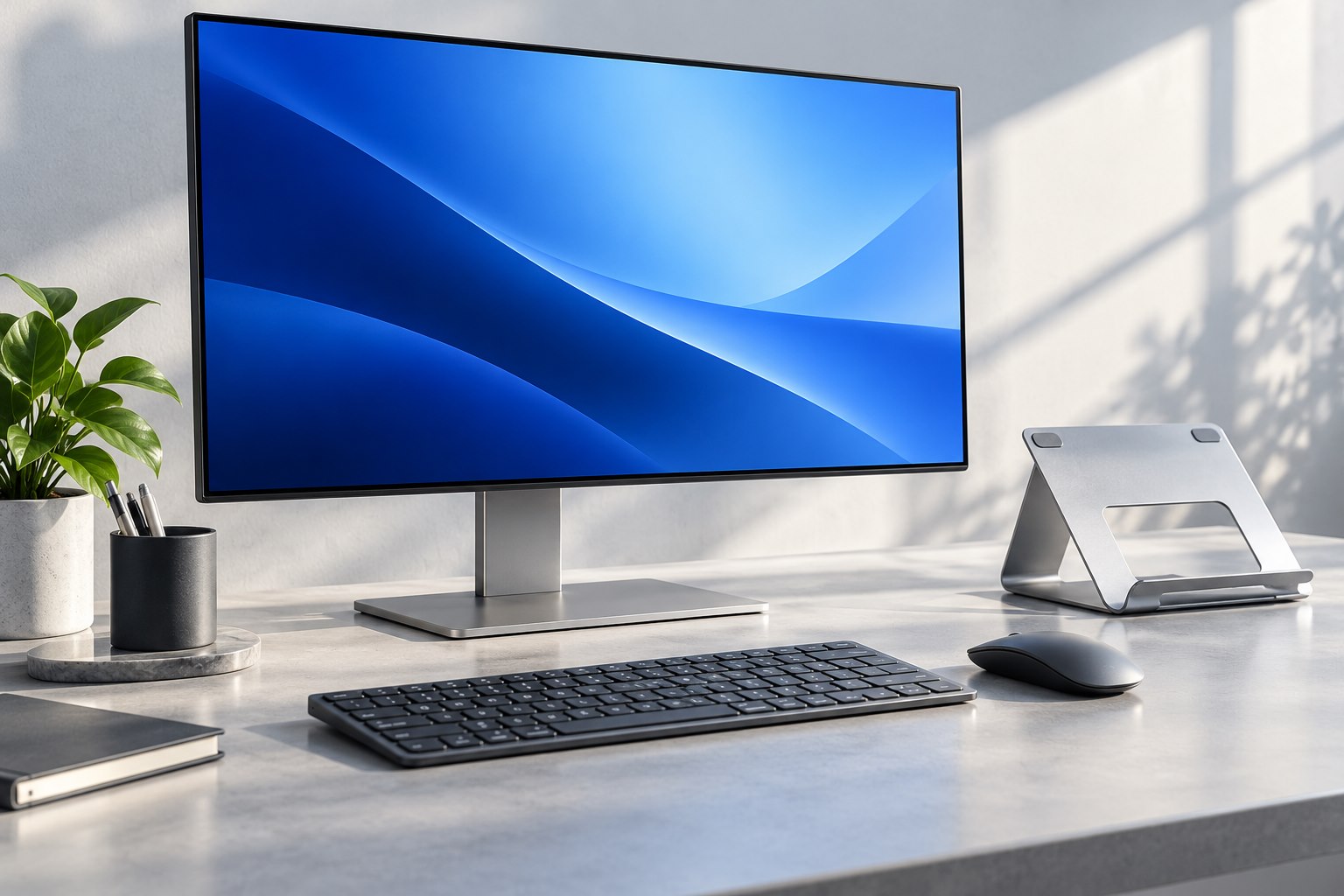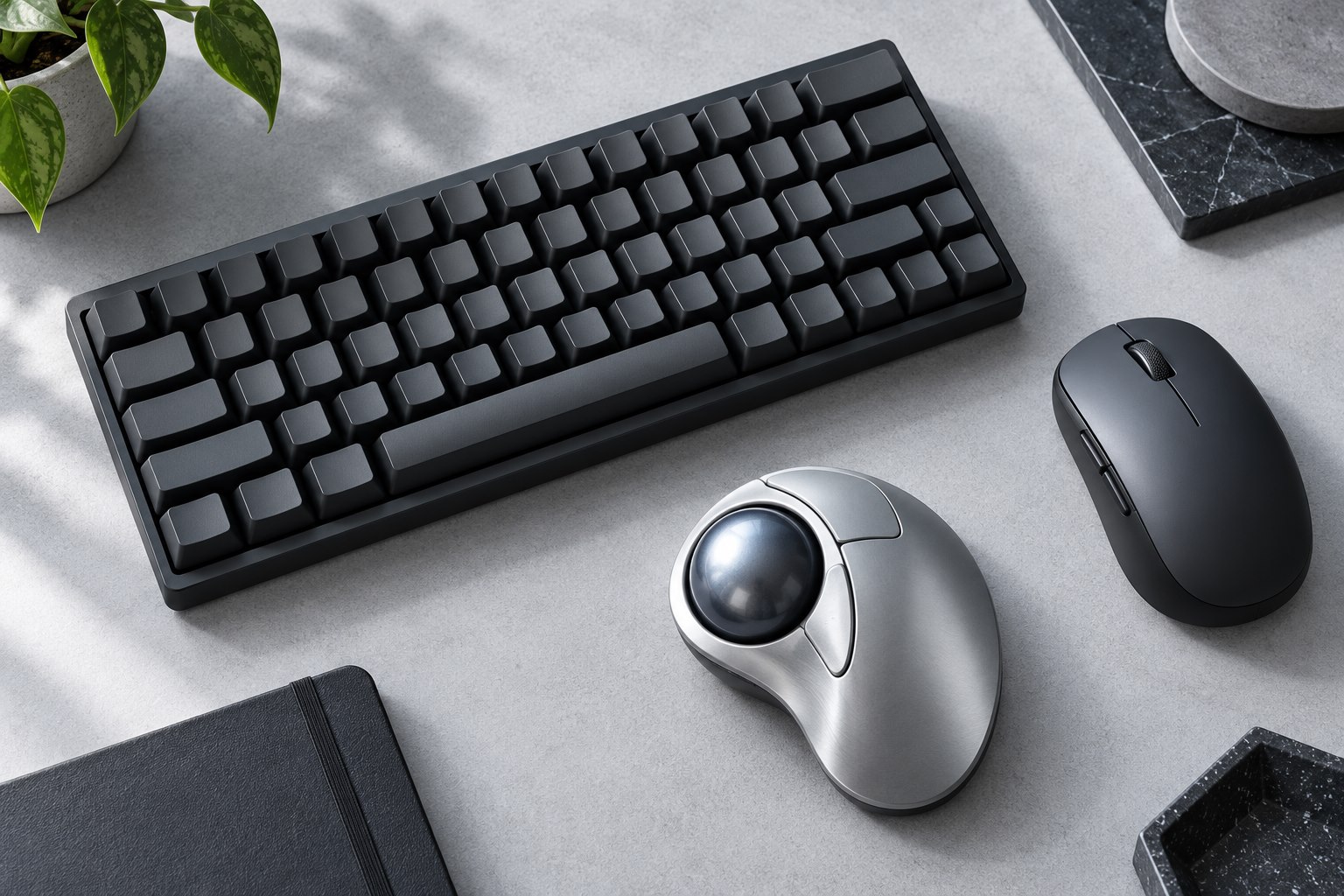
Compare the front edge and typing angle
A low-profile keyboard can reduce the height between the desk and the key surface, but the complete shape matters. Look at the front edge, keycap slope, and available tilt rather than only the advertised case thickness. A thin rear section does little for a tall front lip where your hands approach the keys. Set the keyboard flat first and compare the feel before extending its feet. Raising the rear changes the typing angle and is not automatically more comfortable. Keep the choice based on your working position rather than assuming every keyboard should be tilted as far as possible.
Shorter travel feels different
Low-profile switches and key mechanisms often provide less travel than standard-height mechanical designs. That can feel familiar to laptop users, but it is not identical across products. Some have a defined tactile event, while others feel smooth or clicky. The force curve and the keycap shape influence control as much as the travel figure. Type punctuation, repeated letters, and shortcuts during a trial. Notice whether you bottom out harshly or trigger keys while resting your fingers. A shorter stroke does not automatically make typing faster, and a deeper stroke does not automatically provide better feedback.
Check the parts ecosystem
Low-profile switches and caps can use model-specific designs. Do not assume a set of standard mechanical keycaps will fit, or that one brand's low-profile switch will work in another keyboard. Hot-swappable versions may support only a named switch family. Stabilizers under wide keys can add another compatibility constraint. If future repairs or color changes matter, inspect the maker's replacement-part information before buying. A slim board with limited parts can still be a sensible finished product, but it should not be purchased on the expectation that every mechanical-keyboard accessory will fit it later.
Check the exact product variant in the order confirmation as well as the marketing page. A family may include both replaceable-switch and fixed-switch versions with nearly identical names. Saving the matching manual and layout diagram avoids discovering that distinction only when a replacement switch has already been purchased.
Travel protection matters
A slim keyboard can be easier to carry, yet exposed keycaps remain vulnerable to pressure from other items. Use a suitable sleeve or case and avoid packing a heavy charger directly against the key surface. Check whether a power switch prevents accidental wake-ups in the bag. A detachable cable can simplify packing if the connector is supported and easy to replace. If wireless use is the main attraction, confirm how device switching works and whether the board can operate over a cable when the battery is low. Thinness alone does not establish that the product suits frequent travel.
Choose the right comparison
Compare a low-profile model with a familiar laptop keyboard and a standard-height board using the same short task. The question is which shape and feedback you prefer, not whether one category is universally more ergonomic. Include the spacebar and modifiers, because stabilizer feel can differ from the letter keys. Check the sound in your room if calls or shared work matter. If the board needs a wrist or palm support, choose one that matches its actual height rather than buying a thick accessory designed for a taller keyboard. A successful slim setup should feel coherent as a whole, from desk surface through key travel to the way it packs away.
Sources & further detail
These references support the technical context. Examples and selection advice are editorial explanations; verify the documentation for your exact equipment and software.
A detail we should revisit? Send the guide URL and the relevant documentation to SmithKent5791@outlook.com.
Read the editorial policy