A mesh link has two jobs
A wireless mesh satellite communicates with nearby phones and computers, but it also needs a path back to the rest of the network. That second path is commonly called backhaul. A node placed at the farthest edge of coverage may show a strong local signal to your phone while its own connection upstream remains weak.
Start with the main unit and one satellite. Identify an intermediate location between the main unit and the troublesome room, with fewer dense obstacles along the path. TP-Link's placement guide emphasizes checking the connection quality between nodes, which is more informative than judging only the signal bars on the client device.
The ideal point is not necessarily the geometric halfway mark. Walls, floors, and available power outlets influence the useful path.
Use the app as a clue, then test the room
Many mesh systems report a satellite's link quality or recommend placement. Use that information to narrow the options, but confirm the result with actual devices where they will be used. A good node-to-node reading does not guarantee that a desk behind another dense wall is well served.
Test with doors in their usual positions and with the home arranged normally. A temporary open doorway can make a trial look better than everyday conditions. Keep nodes out in the open and follow the manufacturer's orientation guidance.
Do not hide a satellite in a cabinet merely because it looks less tidy on a shelf. The system's visual design does not change the need for a workable radio environment.
More nodes can add complexity
Adding a node can improve coverage, but buying the largest pack is not automatically the right answer. Unnecessary nodes can compete for airtime or encourage devices to attach in ways that do not improve performance. Begin with enough coverage for the measured need and expand when a specific gap remains.
Check whether nodes can use a direct link to the main unit or must relay through another satellite. A chain of wireless hops has different demands from a single hop. The product's app may show this topology, helping explain why a distant room behaves differently from a nearby one.
Keep the exact model compatibility in view. Products from one manufacturer can belong to different mesh families and may not join the same system. A shared logo on the box is not sufficient.
A practical placement sequence
Use a short repeatable sequence so each trial teaches you something. Keep the client device and test task the same while moving only the satellite.
- Set up the node near the main unit according to the manufacturer's procedure, then move it to the first candidate location.
- Wait for the mesh to settle and check the reported link quality before judging the room's performance.
- Run the normal task in the weak room, then check a nearby room that already worked well.
- Move the satellite closer to the main unit if the upstream link is weak; move it toward the target area only when that link remains dependable.
Consider wired backhaul where available
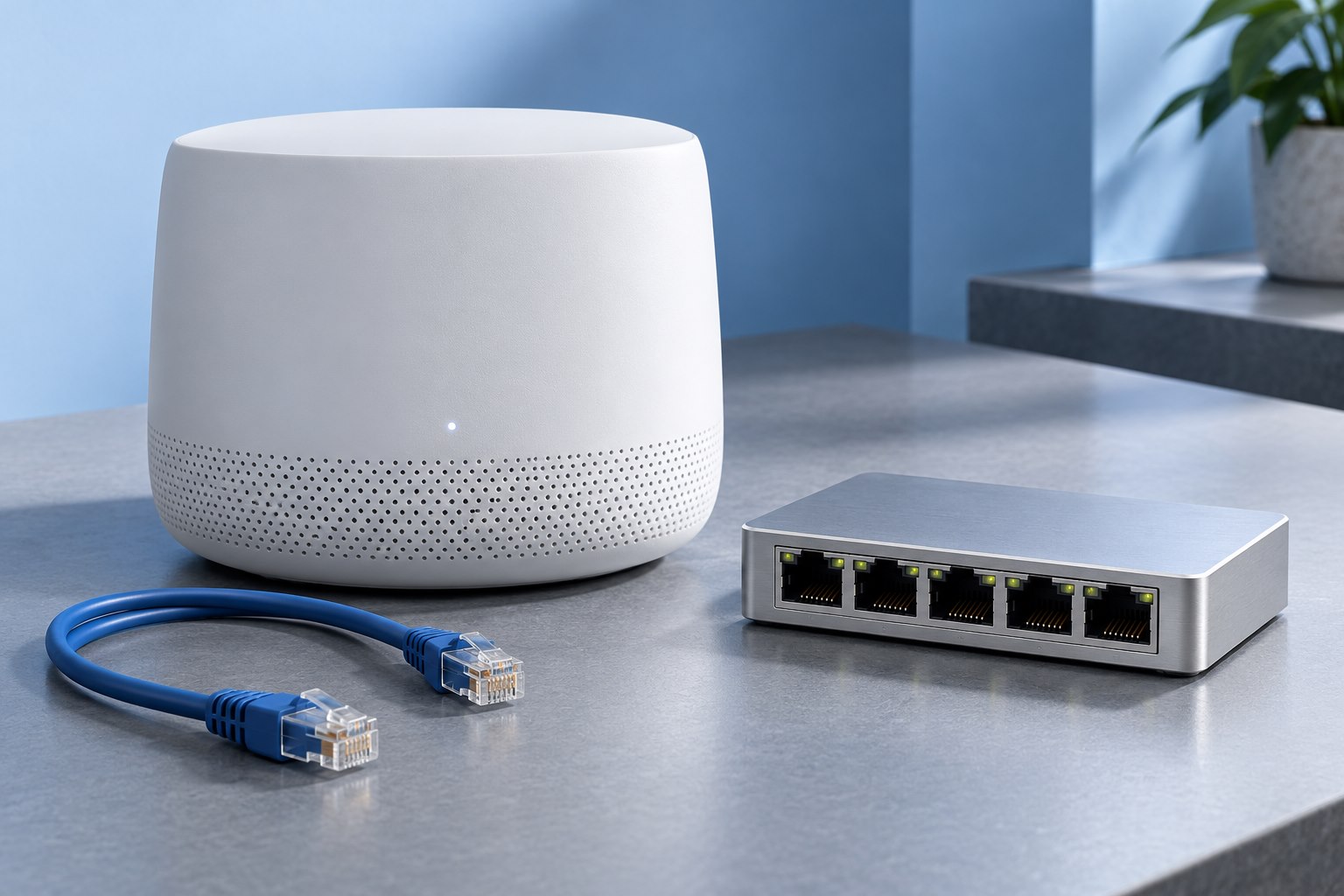
If the home has suitable Ethernet cabling, a mesh system that supports wired backhaul can use it between nodes. This reduces dependence on the wireless path between those nodes and may allow more useful placement near the coverage area. Verify the product's topology and port rules first.
A network jack on the wall is not proof that it is connected to the right switch or router. Trace and label the path. Check the system app to confirm that the node is actually using the wired link after installation.
Do not create multiple accidental loops while trying different connections. Follow the manufacturer's diagram, especially when the mesh can operate as either a router or an access point.
Evaluate movement as well as speed
Walk between rooms during a supported call or stream and observe whether the experience remains usable. Client devices participate in deciding when to change access points, so roaming behavior can vary. A mesh brand's single network name does not promise that every device switches at exactly the same point.
If one older device behaves poorly, test it separately before rearranging a system that works for everything else. Check current firmware and the vendor's compatibility guidance.
A successful mesh layout provides a sound path from the internet connection through the nodes to the places you use devices. Good placement is about that whole route, not simply filling a floor plan with as many signal circles as possible.
Sources & further detail
These references support the technical context. Examples and selection advice are editorial explanations; verify the documentation for your exact equipment and software.
A detail we should revisit? Send the guide URL and the relevant documentation to SmithKent5791@outlook.com.
Read the editorial policy