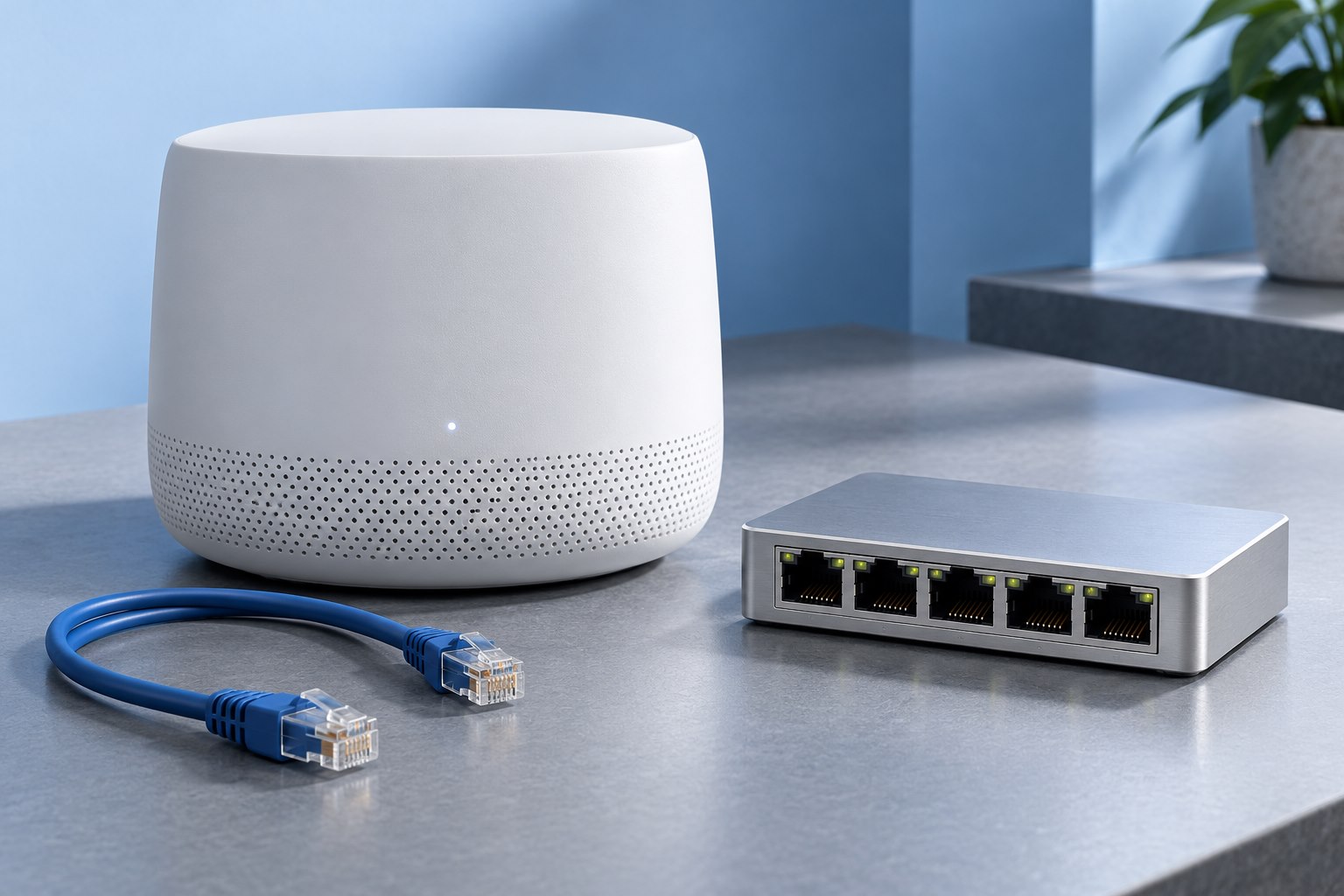
Identify the box already doing the routing
An internet provider may supply a combined modem and router, an optical terminal with a separate router, or another arrangement. Before adding equipment, determine which device currently shares the internet connection and assigns local addresses. The product label or provider's documentation can help; appearance alone is unreliable.
A second wireless router can operate as a router or, on supported models, as an access point. In access-point mode, it extends wireless access to the existing network while the upstream router retains the main routing role. In router mode, it can create another routed network behind the first.
TP-Link's setup guidance explains that connecting one router behind another can introduce double NAT and suggests access-point mode as one possible resolution. The appropriate arrangement still depends on the provider and the features you need.
Understand why double NAT sometimes matters
Network address translation allows many home devices to share an upstream address. When two routers perform it in sequence, ordinary web use may still work well. Problems can appear with some gaming, inbound connections, VPN arrangements, or remote-access services that need a clearer path.
Do not diagnose every slow page as double NAT. It is a topology condition, not a universal explanation for poor performance. Confirm the actual arrangement and the symptom before changing it.
If everything works and the second routed network is intentional, the design may be acceptable. But it should be understood and documented, especially if someone later needs to configure a service that receives connections from outside.
Access-point mode often simplifies a coverage addition
If the goal is better Wi-Fi while keeping the provider's router, a supported access-point mode can avoid adding another routing layer. The new unit connects through the documented port and joins the existing local network. Devices can then use the existing router's address service and gateway.
Some features disappear or change in access-point mode. Parental controls, traffic management, guest isolation, or remote features may depend on the product's routing role. Check the exact feature comparison before switching.
Do not emulate access-point mode by randomly disabling DHCP and moving cables unless the manufacturer provides that procedure for the model. A built-in mode is usually easier to configure and support correctly.
Bridge mode is a different decision
Some provider gateways support a bridge or passthrough arrangement that lets your own router become the primary routing device. This can be useful when you want your router's full feature set. It may also affect provider telephone, television, authentication, or support requirements.
Check the provider's instructions before making that change. Save the current settings and understand how to restore access. Do not assume the terms bridge and passthrough describe identical behavior across brands.
If the provider equipment cannot be changed, access-point mode on your own equipment may be the simpler route. The correct choice is the one that assigns the necessary roles without disrupting services you rely on.
Make the transition deliberately
Record the old network name, management address, and important settings. Schedule the change when a brief interruption is acceptable. Keep a wired connection available if the manufacturer recommends it for configuration.
Follow the mode-switch procedure, then wait for the device to restart. Its management address may change when it joins the upstream network. Use the documented discovery method or the upstream router's device list instead of repeatedly trying the old address.
Reconnect a test client and confirm internet access, local printing or storage, and any guest network you use. These checks reveal feature changes that a single successful web page would miss.
Keep one clear network map
Draw the final arrangement with a label beside the device performing routing. Mark access points, switches, and the provider connection. Note how to reach each management interface and where credentials are stored securely.
If a future device receives an unexpected address range, the map helps identify whether an old router is still performing a routing or address-assignment role. It also helps when asking the provider or manufacturer for support.
A second router can be useful hardware even when it is used as an access point. Choosing its role explicitly prevents a coverage upgrade from becoming an accidental network redesign.
Sources & further detail
These references support the technical context. Examples and selection advice are editorial explanations; verify the documentation for your exact equipment and software.
A detail we should revisit? Send the guide URL and the relevant documentation to SmithKent5791@outlook.com.
Read the editorial policy