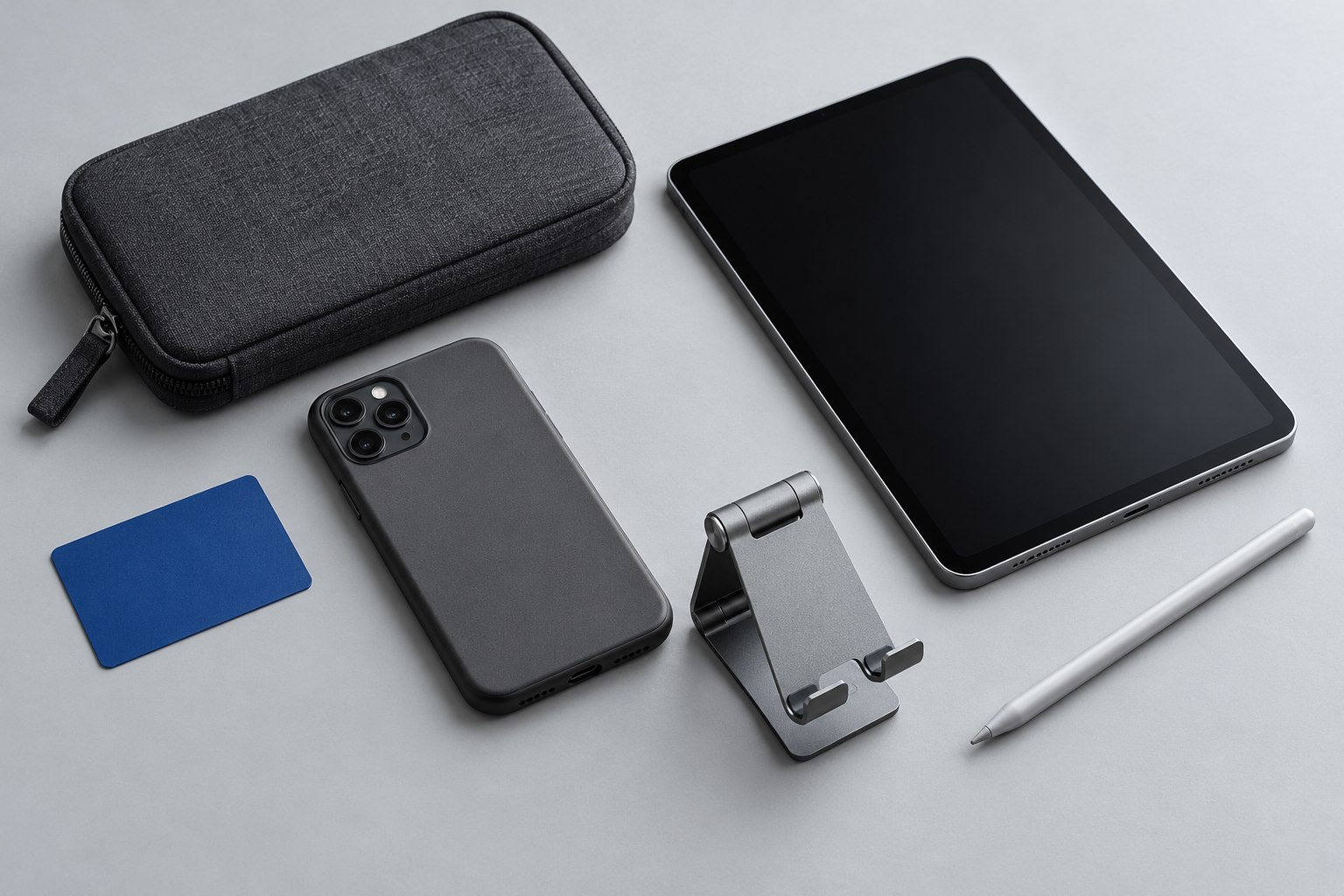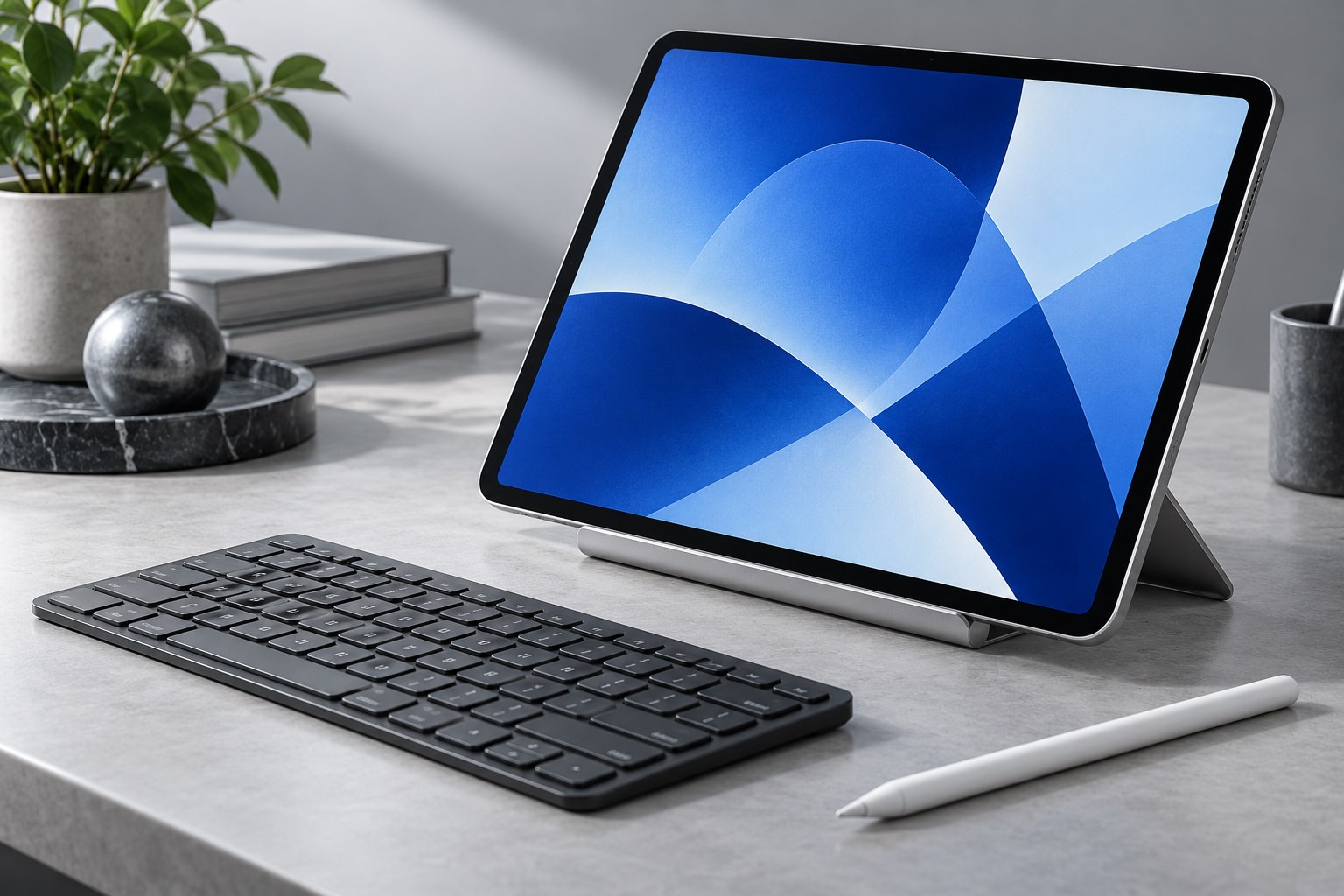
Begin with the tablet identity
Tablets often keep the same family name across several designs. Find the model number in settings or on the device, then match it to the case manufacturer's list. Apple maintains a model identification guide for iPad because names and screen sizes alone can be ambiguous. A case bought by diagonal measurement may cover a microphone or put the camera opening in the wrong place.
Check the position of volume controls and any magnetic stylus attachment. A case can snap around the frame and still block the pencil's preferred storage edge. If a keyboard connects through contacts, inspect their location as well. A thick flap that sits over those contacts can make an otherwise suitable folio frustrating to use.
A folio needs a dependable fold
A front cover protects the display inside a bag and can form a support on a table. Try every advertised fold with the tablet installed. Some triangular folds work well for viewing but feel too upright for handwriting. Others provide a low drawing angle but give little support on a lap.
Look at where the flap touches the table before it folds back against the screen. Dust or food from a shared surface can travel with that flap. This does not make folios unsuitable; it gives you a reason to choose a lining that can be cleaned according to its care instructions and to avoid setting it directly in a spill.
If the cover uses magnets to wake and sleep the display, test closure in your usual bag. A flap that slides sideways may wake the device repeatedly. An elastic strap or firm closure can be useful for travel, provided it does not press against the screen unevenly.
A shell leaves the support to you
A rear shell keeps the tablet easy to hold and can protect its corners without adding a front flap. It works particularly well when the device moves between several dedicated stands. The tradeoff is that the display needs separate protection in a bag, often through a sleeve.
For handheld reading, feel the edges where your fingers wrap around the frame. A thick ridge can become tiresome even when the overall weight seems modest. A shell with a hand strap may help during short standing tasks, but check that the strap adjusts without forcing the wrist into an awkward position.
Choose a shell with an integrated kickstand only after checking its footprint. Long rear supports can use more table space than expected. A narrow kickstand may sink into bedding or a soft lap cushion.
Make a short task circuit
Before committing to either design, complete a small set of normal jobs: read a page in portrait, type a paragraph, join a camera preview, and write several lines with a stylus if you use one. Move the tablet between the table and your lap. Notice whether changing position means rebuilding a complicated fold.
Finally, put the fully fitted device into its bag compartment. Include the stylus and any keyboard you actually carry. A protective arrangement that forces the bag zipper against the tablet is too tight. Folio and shell designs can both work well; the better choice is the one that supports the places the tablet rests throughout your day.
Sources & further detail
These references support the technical context. Examples and selection advice are editorial explanations; verify the documentation for your exact equipment and software.
A detail we should revisit? Send the guide URL and the relevant documentation to SmithKent5791@outlook.com.
Read the editorial policy