Connections / Guide
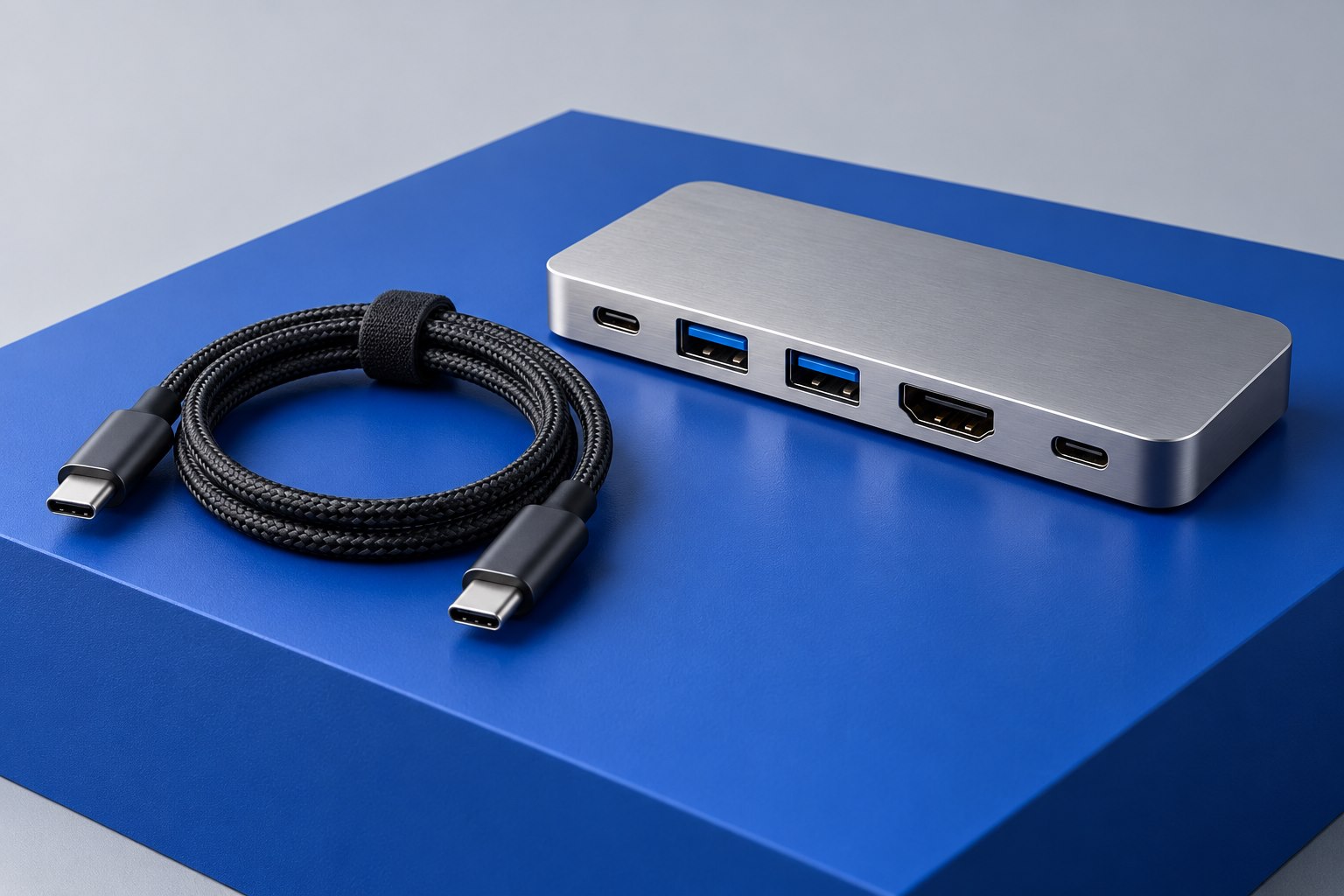
Read a USB-C Port Before Buying Accessories
A reversible connector can carry several very different promises. Build a short capability map before choosing a dock or cable.
Explore the guideClear explanations for the cables, devices, and everyday accessories that make your technology work.
Explore the guides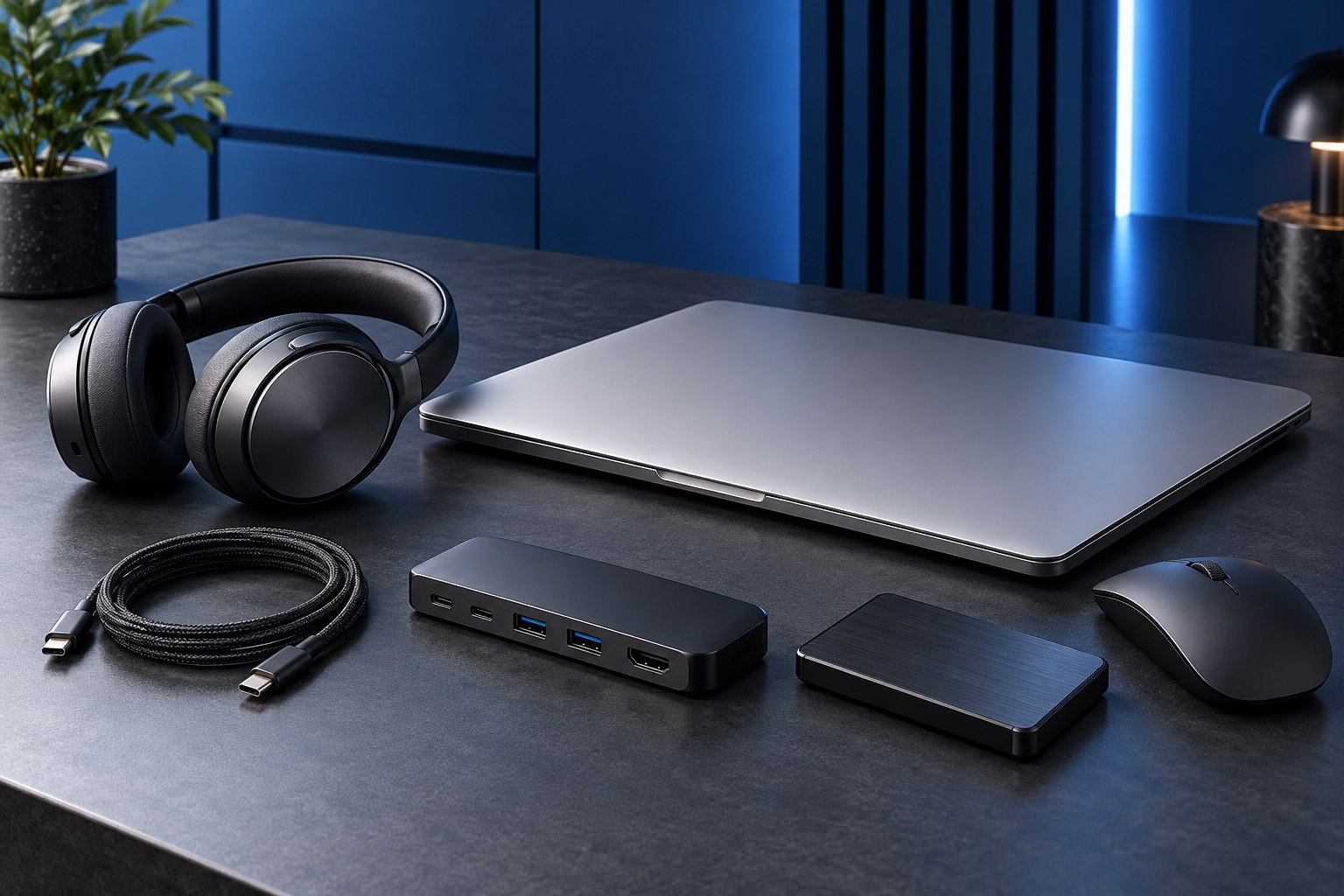
Understand what a specification changes—and what it doesn't—before adding another accessory to the desk.
A reversible connector can carry several very different promises. Build a short capability map before choosing a dock or cable.
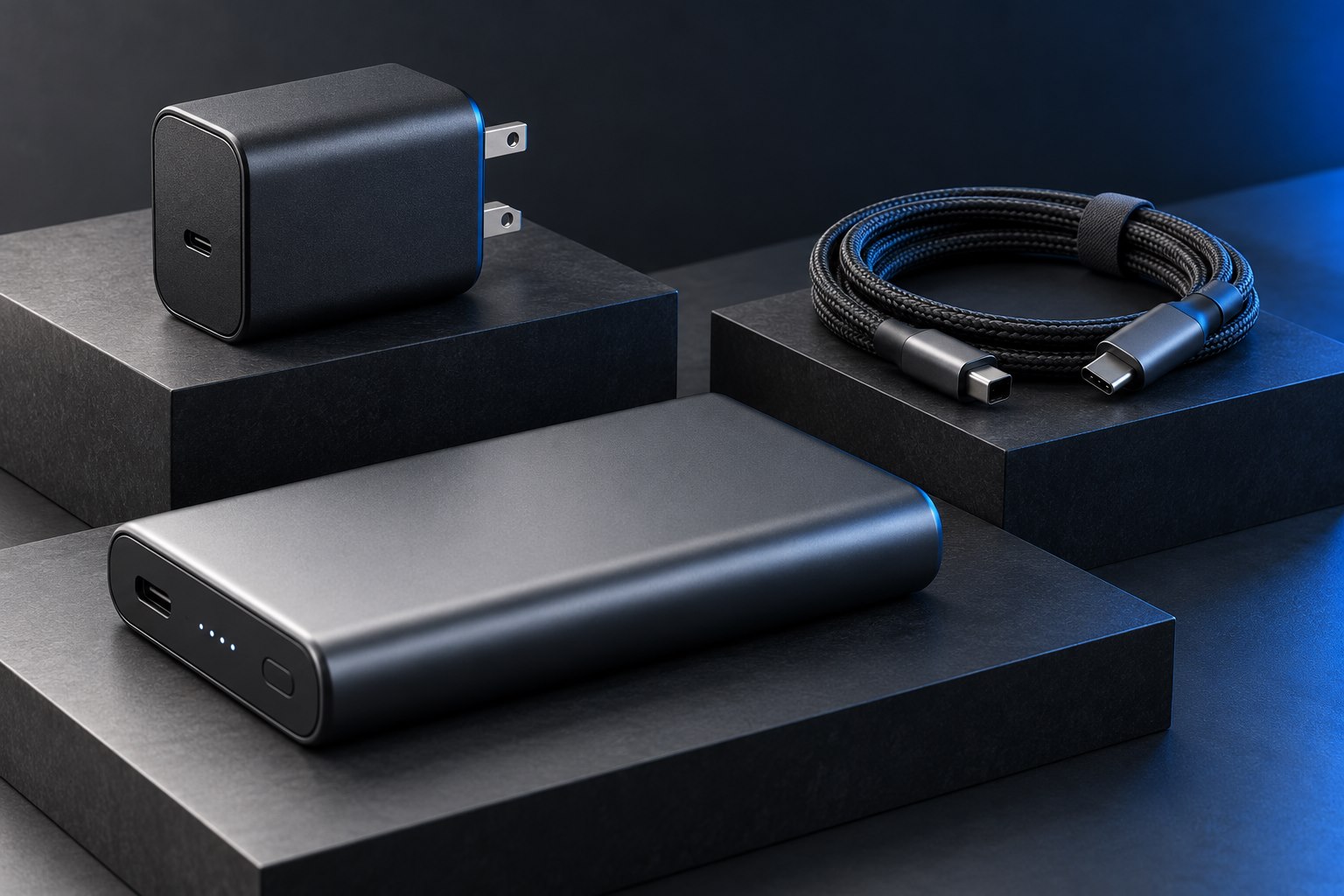
Explore the guideCompact power electronics can make a charger easier to carry, but size alone does not establish compatibility, comfort, or quality.
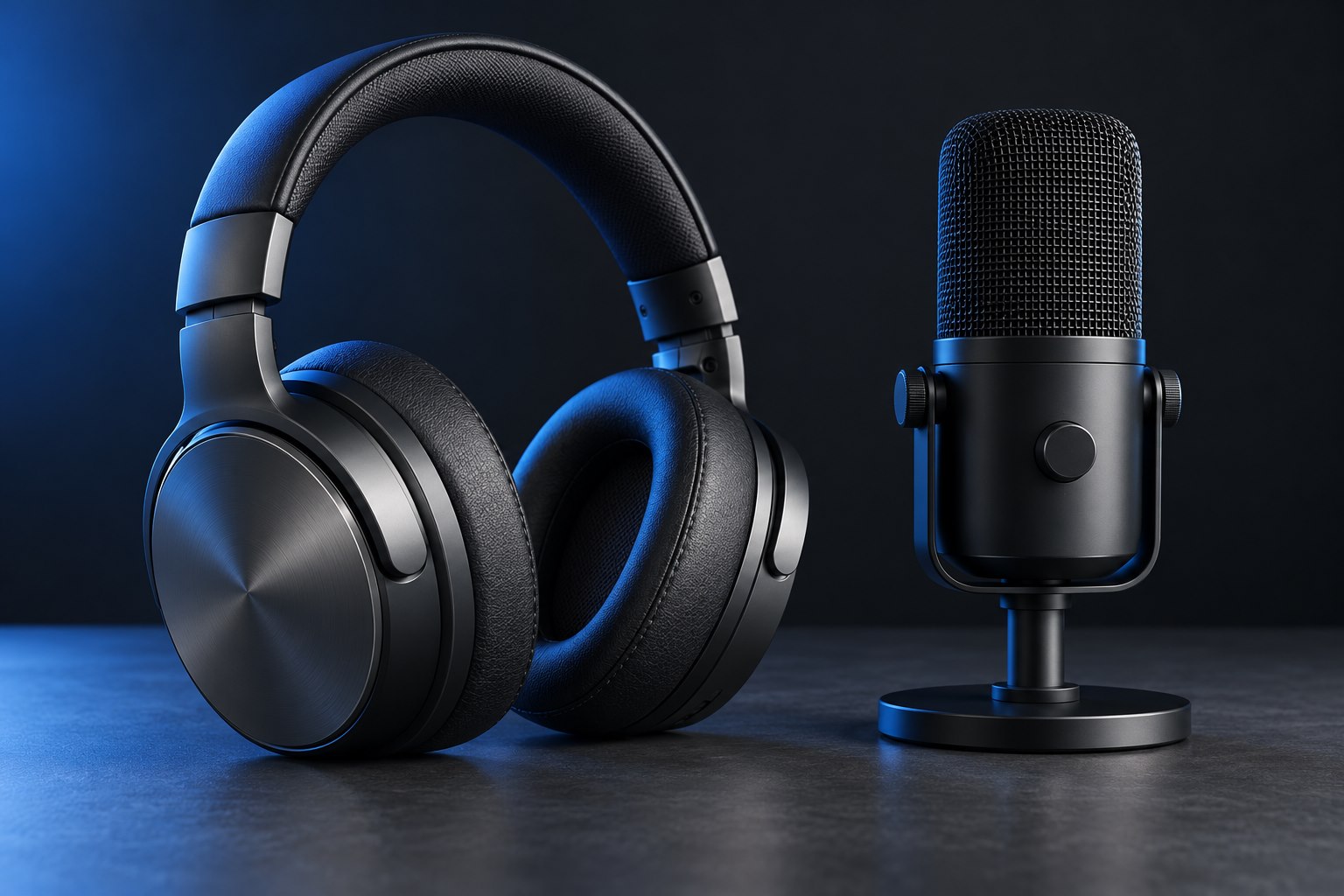
Check the seal at the temples, the shape around the ears, and how pressure changes over time.
The connector fits. Will the setup work? Decode cables, docks, video paths, and the specifications that join them together.
Match the charger to the workload. Understand power budgets, portable batteries, and the details behind a charging claim.
A clearer call, a better fit, a quieter desk. Find the audio choices that matter in the room where you actually listen.
Build a desk around the way you work, from monitor placement and keyboard layouts to cameras and everyday controls.
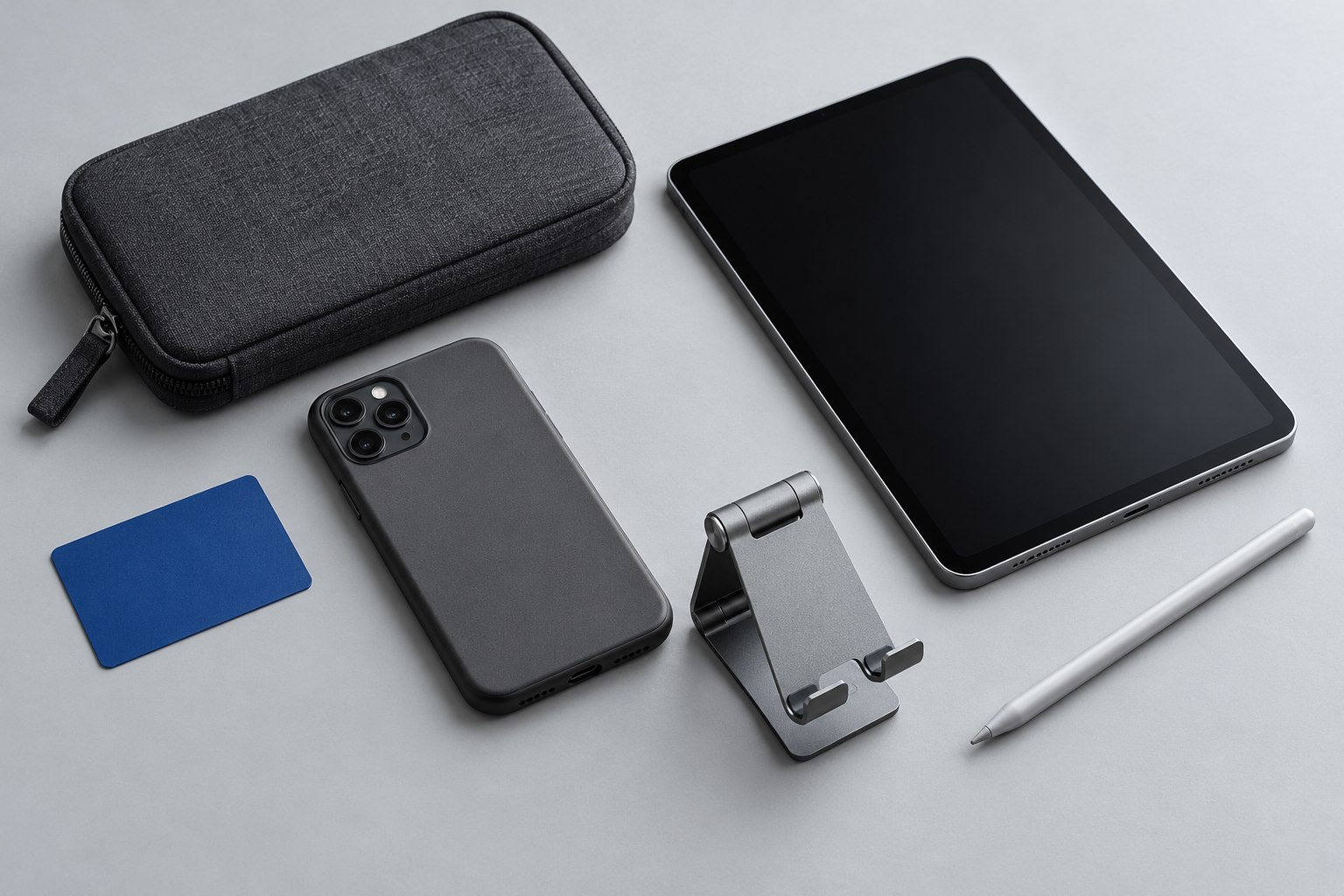
Cases, stands, pens, and the things that travel with a screen. Choose accessories that earn their space in your bag.
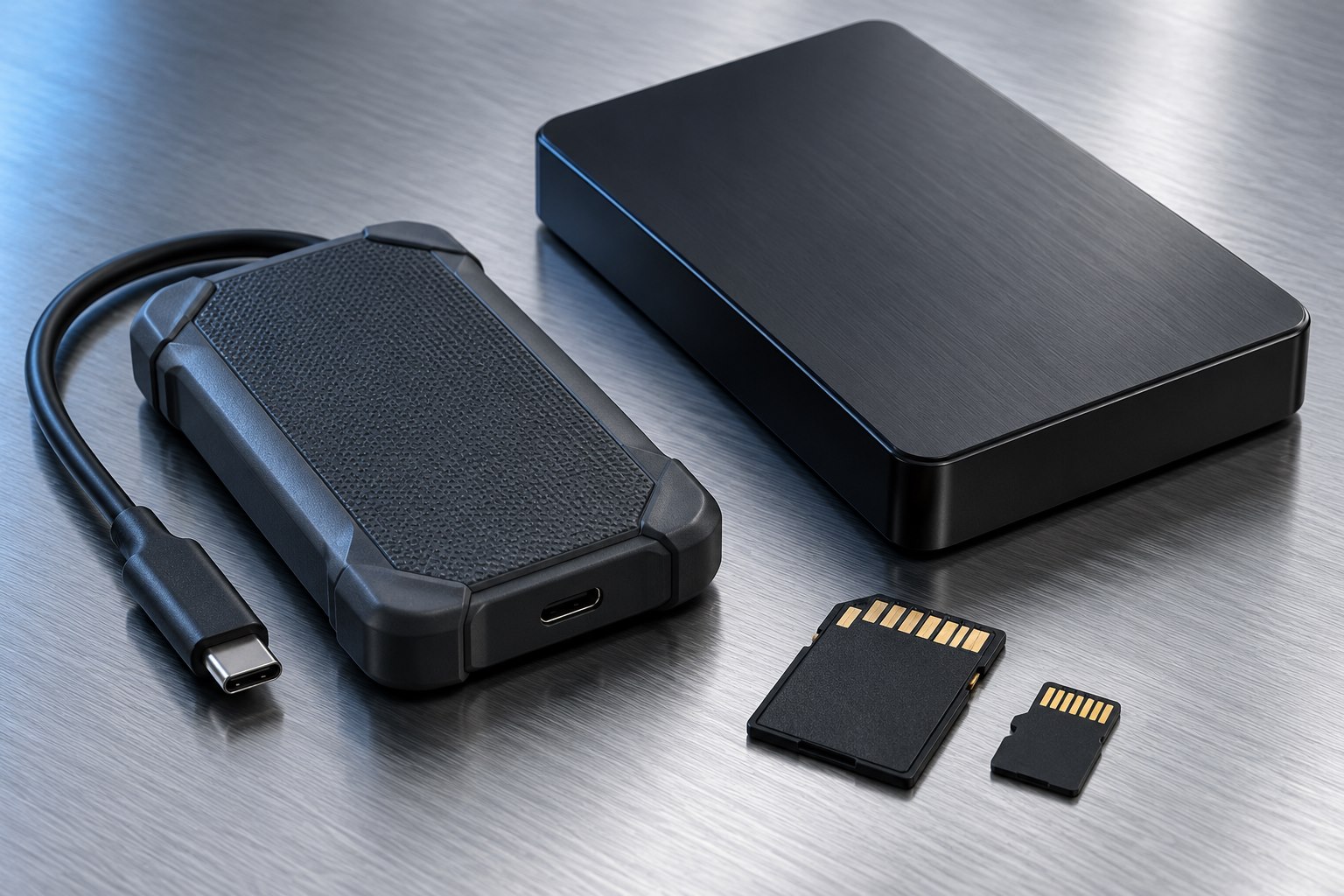
Make room, move files, and keep a recoverable copy. Put drive specifications in the context of real file workflows.
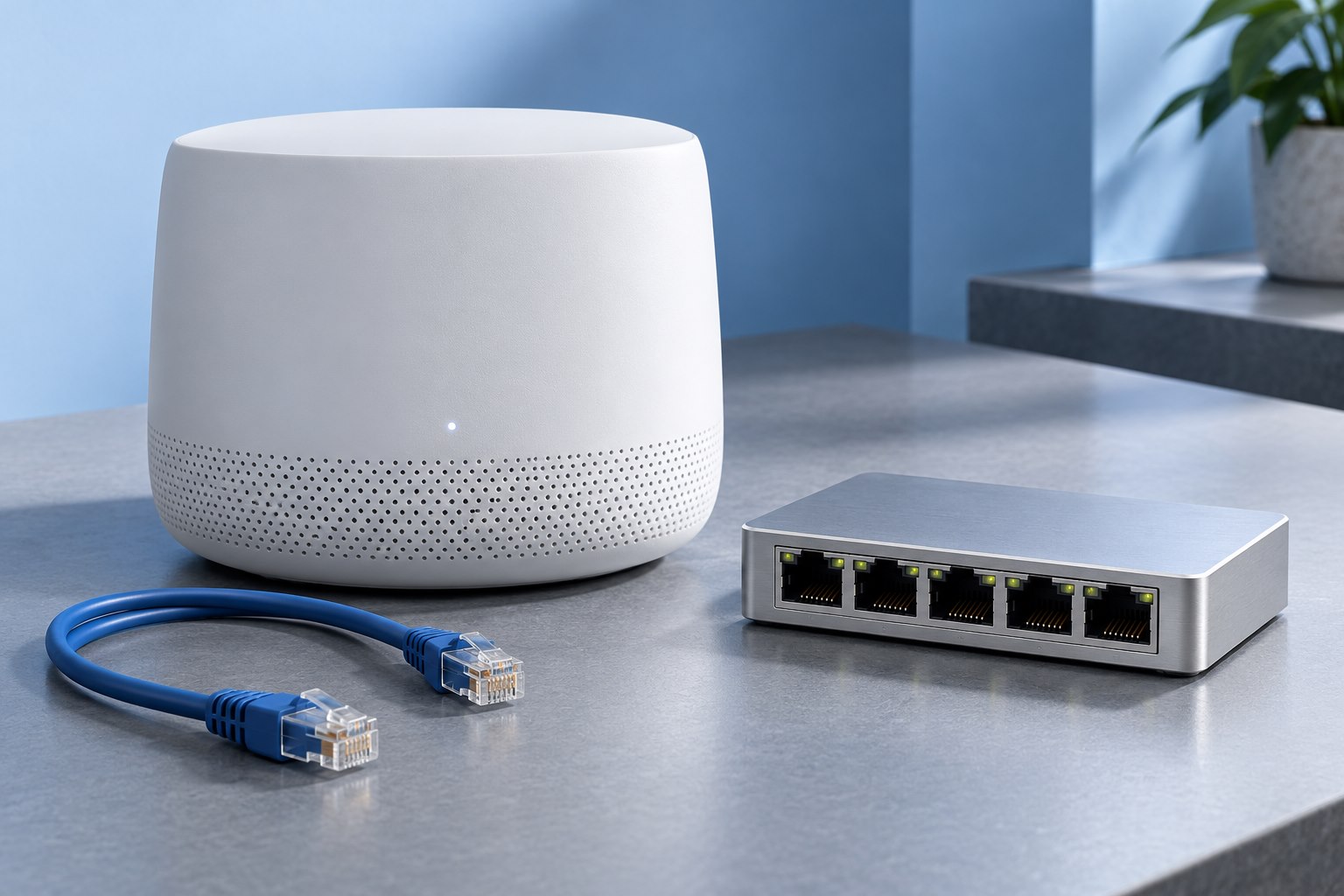
Trace the connection from device to network. Practical explanations for Wi-Fi, Ethernet, and connected accessories.
Keep equipment useful with careful cleaning, sensible troubleshooting, and better decisions about repair and replacement.
Screen placement, keyboard feel, clearer calls. Build around the work you do, one thoughtful choice at a time.
Build a better desk
Use the return period to confirm the complete desk workflow, including the transitions that product specifications cannot demonstrate for your equipment.
Read the charger's mains input label and the destination's outlet requirements before packing a compact travel kit.
Match latency, chat controls, and platform support to the games you actually play.
Choose height, stability, ventilation, and external controls together.
Check game support, case clearance, grip comfort, and the way the controller travels.
Three copies are useful only when one incident cannot easily remove all three.
Cable length, installation quality, and the ports at each end determine what a cable can do.
Remove power safely, follow the device guidance, and distinguish a dry surface from a repaired device.
A useful accessory solves a specific problem. We explain the conditions that make a choice fit.
Portability, capacity, fit, and compatibility rarely improve in exactly the same direction.
Official specifications and support references accompany the technical details that need them.
Research-based guides and illustrative imagery, with no invented hands-on test results.