Draw the two destinations
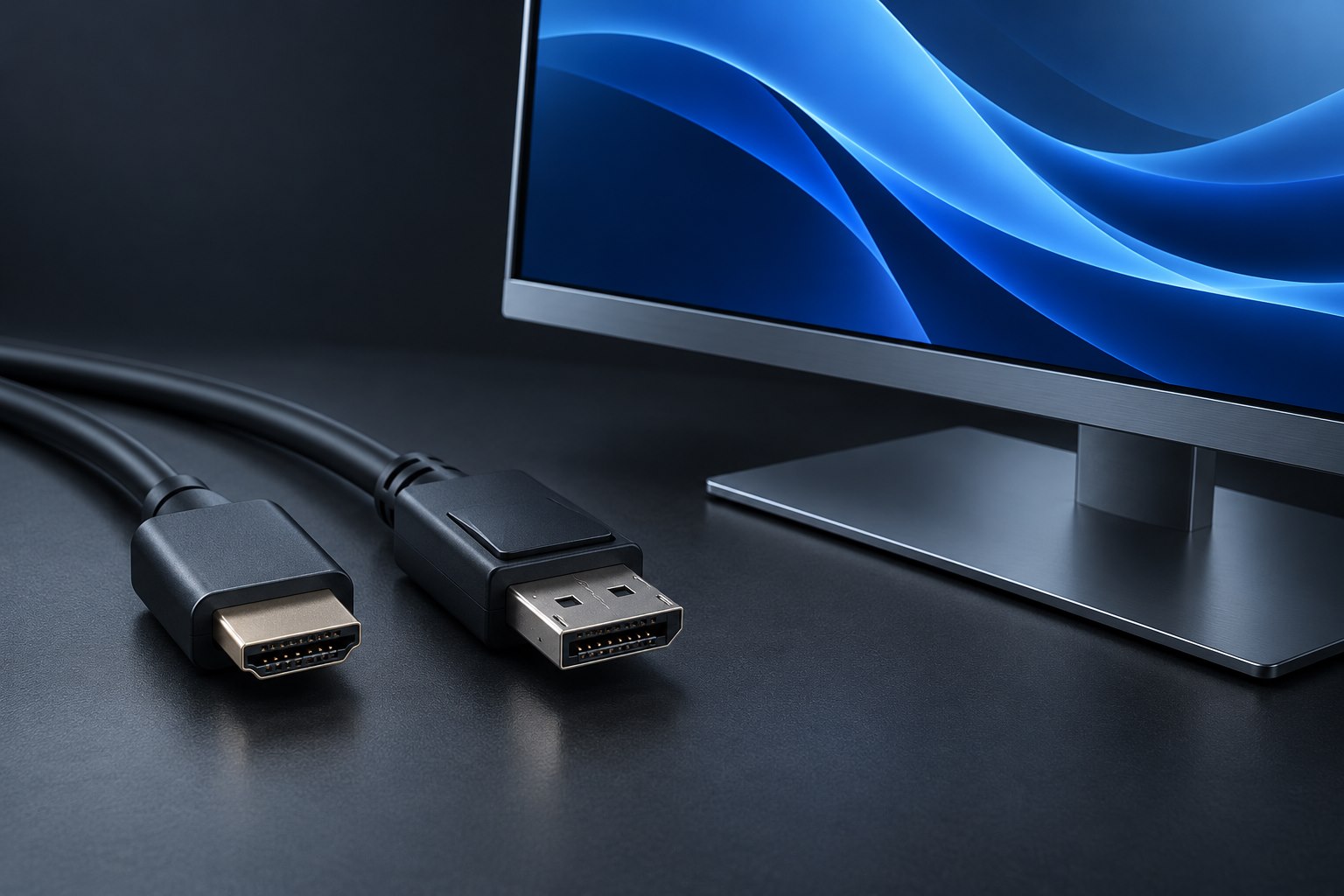
A capture card can send a source's video onward to a display while also making a version available to a recording computer. The first route is passthrough; the second is capture. Their supported resolutions and frame rates may differ. Elgato's explanation of the two paths emphasizes that capture faces additional constraints from the computer connection and processing. A prominent high-resolution passthrough claim therefore does not establish the recording specification.
Write your intended result in two sentences: 'Play on the monitor at this mode' and 'Record at this mode.' A user who wants smooth local play and a modest stream has a different requirement from someone archiving detailed footage. Compare the card's published input, passthrough, and capture tables separately. That prevents an expensive disappointment caused by reading only the largest number on the package.
Check the computer connection and software
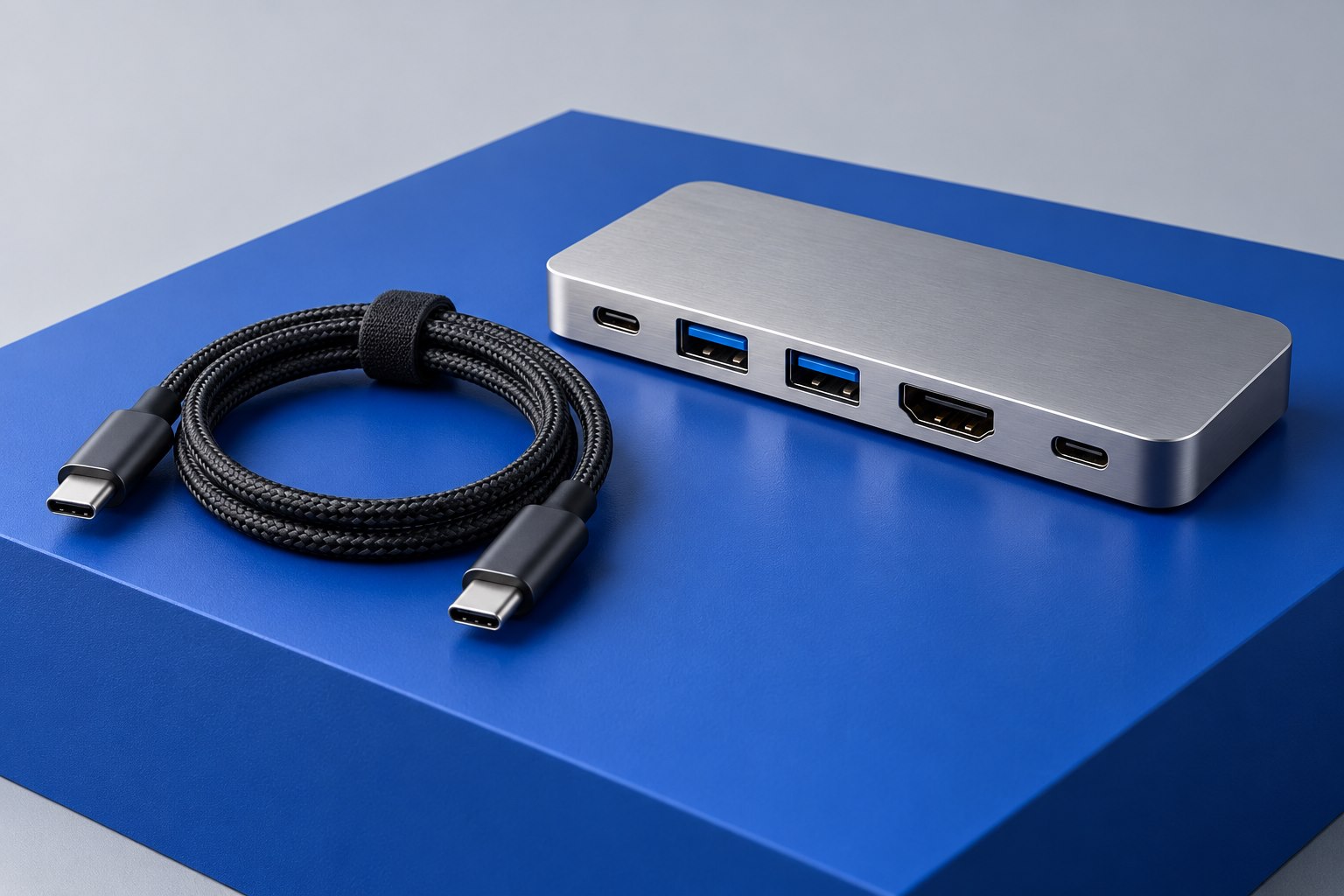
For an external card, the USB connection must meet the card's requirements. A cable that powers the device or allows it to appear in the operating system may still be unsuitable for its full capture mode. Use the supplied cable for initial setup and a documented compatible host port. If a dock is involved, account for other devices sharing its upstream connection. A direct computer port is a useful baseline when diagnosing dropped frames.
The recording computer also needs to meet the manufacturer's system requirements. Storage speed, encoding choices, and software settings can affect the final result even when the video link is correct. Avoid interpreting every dropped frame as a bad HDMI cable. Distinguish source input problems from capture-device connection problems and from the computer failing to process or save the selected recording format.
Plan the monitor path independently
Check that the passthrough path preserves the features needed for local use, such as the intended refresh rate or supported HDR behavior. If a feature is omitted from the specification, ask the manufacturer rather than assuming it passes through unchanged. The monitor and both HDMI cables must also support the chosen mode. Adding a capture card inserts another component into a previously direct connection.
For responsive play, use the intended display path rather than assuming the preview window in recording software behaves like a direct monitor connection. Preview delay depends on the system and workflow. For a camera used in a meeting, that delay may be unimportant; for timing-sensitive interaction, it can be distracting. Define the use case before comparing features.
Run a short acceptance recording
Create a short nonessential recording that includes motion, text, and audio. Watch the saved file rather than judging only the live preview. Confirm frame rate, resolution, sound routing, and whether colors appear as expected. Then repeat with the normal background applications running. This reveals whether the complete computer workflow is sustainable, which a product's maximum-mode list cannot prove for your machine.
- Confirm that the source mode is supported as an input, not only mentioned elsewhere in the product listing.
- Verify passthrough and capture settings independently, including HDR or other required features.
- Use a supported USB port and cable, then add any dock only after the direct configuration works.
- Do not attempt to bypass protected-content restrictions; use sources and workflows supported by the equipment and content provider.
Sources & further detail
These references support the technical context. Examples and selection advice are editorial explanations; verify the documentation for your exact equipment and software.
A detail we should revisit? Send the guide URL and the relevant documentation to SmithKent5791@outlook.com.
Read the editorial policy