Start with what you want to prevent
If the problem is simply too few suitable outlets, a properly rated power strip addresses distribution. If the goal includes limiting certain transient overvoltages reaching equipment, look for a documented surge protector. If you need equipment to keep running briefly during a power interruption, battery backup is the relevant function. A UPS may combine several functions, but its specifications and outlet assignments still need checking.
The enclosure shape does not identify the function reliably. A strip with an illuminated switch is not automatically a surge protector, and a surge protector does not supply battery power during an outage. Belkin's product guidance distinguishes distribution from surge protection, while UPS manufacturers document their separate backup capabilities. Read the label and manual instead of relying on the number of sockets or the presence of a light.
Understand the limit of each solution
A surge protector is not a promise that equipment survives every electrical event. Its protection characteristics, installation requirements, and condition matter. A UPS offers a finite runtime under a supported load, not unlimited operation. Neither accessory fixes faulty building wiring. If an outlet is damaged or a grounding warning appears, use an appropriate qualified service route rather than trying to solve it with another plug-in device.
| Problem | Relevant product function | What remains to check |
|---|---|---|
| Several electronics need outlets | Power distribution | Total rating, plug spacing, cord route, and installation instructions |
| Concern about transient surges | Documented surge protection | Protection indicators, ratings, and required grounding |
| Need time to save work during an outage | Battery backup through a UPS | Load capacity, runtime, backed-up outlets, and shutdown support |
| Need hours of operation | A separately sized backup-power plan | Energy requirement, supported equipment, and installation constraints |
Count the load and the physical plugs
Add up the equipment intended for the product and stay within the manufacturer's ratings and instructions. Bulky adapters can block neighboring sockets, so useful outlet count may be lower than the printed count. Look at spacing and orientation before purchase. A strip with fewer well-spaced outlets can fit a set of adapters better than a crowded model with more sockets.
Avoid chaining power strips or adding unsupported adapters to overcome poor planning. Position the product where its switch and indicators can be reached, and route the cord away from damage or pinch points. A permanent desk arrangement should be understandable without crawling through a pile of unidentified supplies. Label device plugs if several similar adapters are connected.
Choose backup only for the equipment that needs it
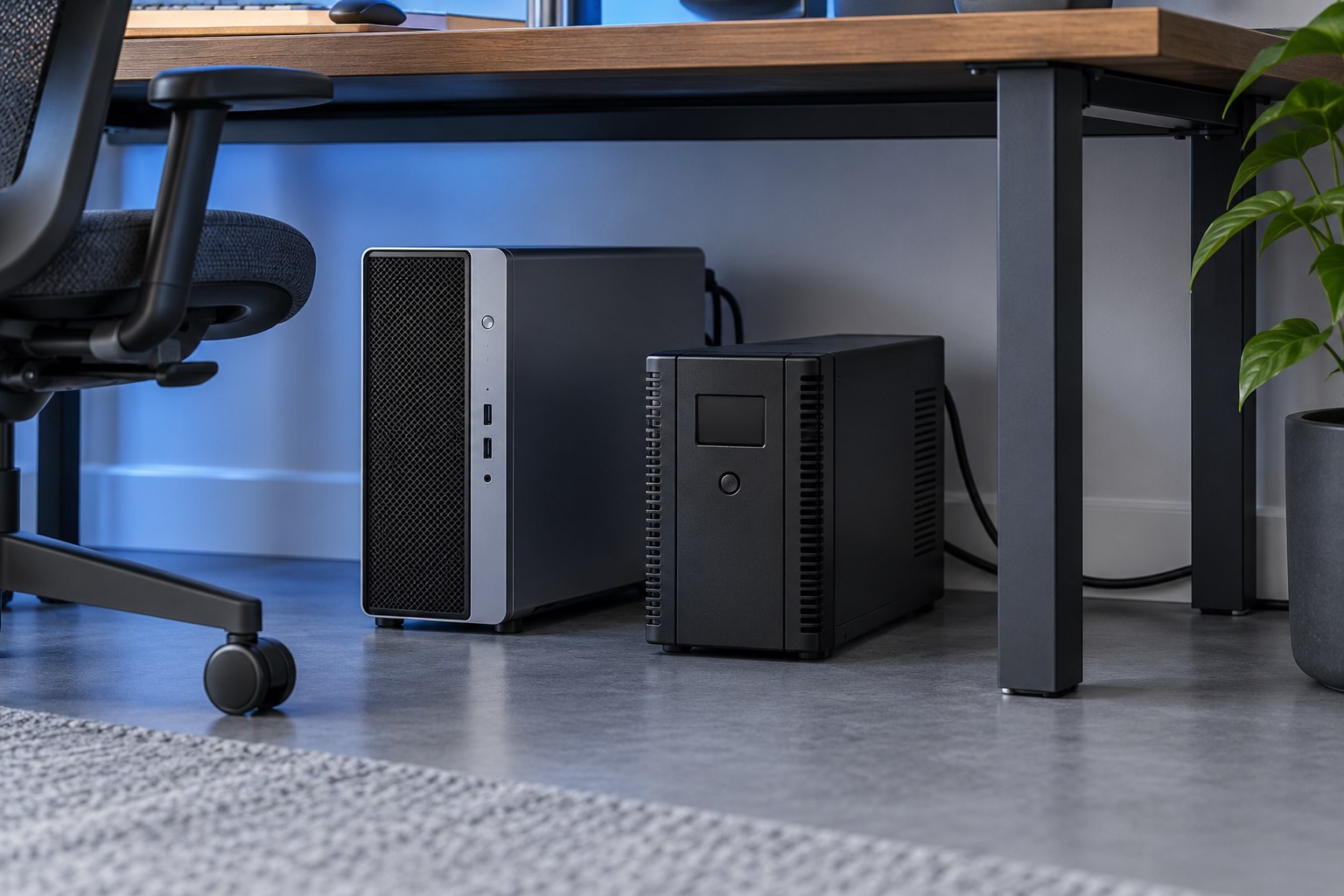
For a computer setup, a UPS may need to support the computer, one monitor, and essential network equipment long enough for an orderly shutdown. Decorative lighting and unrelated chargers can shorten the available runtime without helping that goal. Check the UPS manual for prohibited or unsuitable loads, especially equipment with different power characteristics. Do not treat every free battery-backed outlet as an invitation to add another device.
A laptop already has an internal battery, but its monitor, router, or other accessories may not. Decide which parts must remain available during an interruption. This leads to a more precise purchase than automatically buying the largest unit or assuming the laptop battery protects the entire desk. The right product is the one whose documented function addresses the specific failure you are trying to manage.
Sources & further detail
- Belkin: Power strip and surge protector distinctions
- Eaton: UPS fundamentals and frequently asked questions
These references support the technical context. Examples and selection advice are editorial explanations; verify the documentation for your exact equipment and software.
A detail we should revisit? Send the guide URL and the relevant documentation to SmithKent5791@outlook.com.
Read the editorial policy