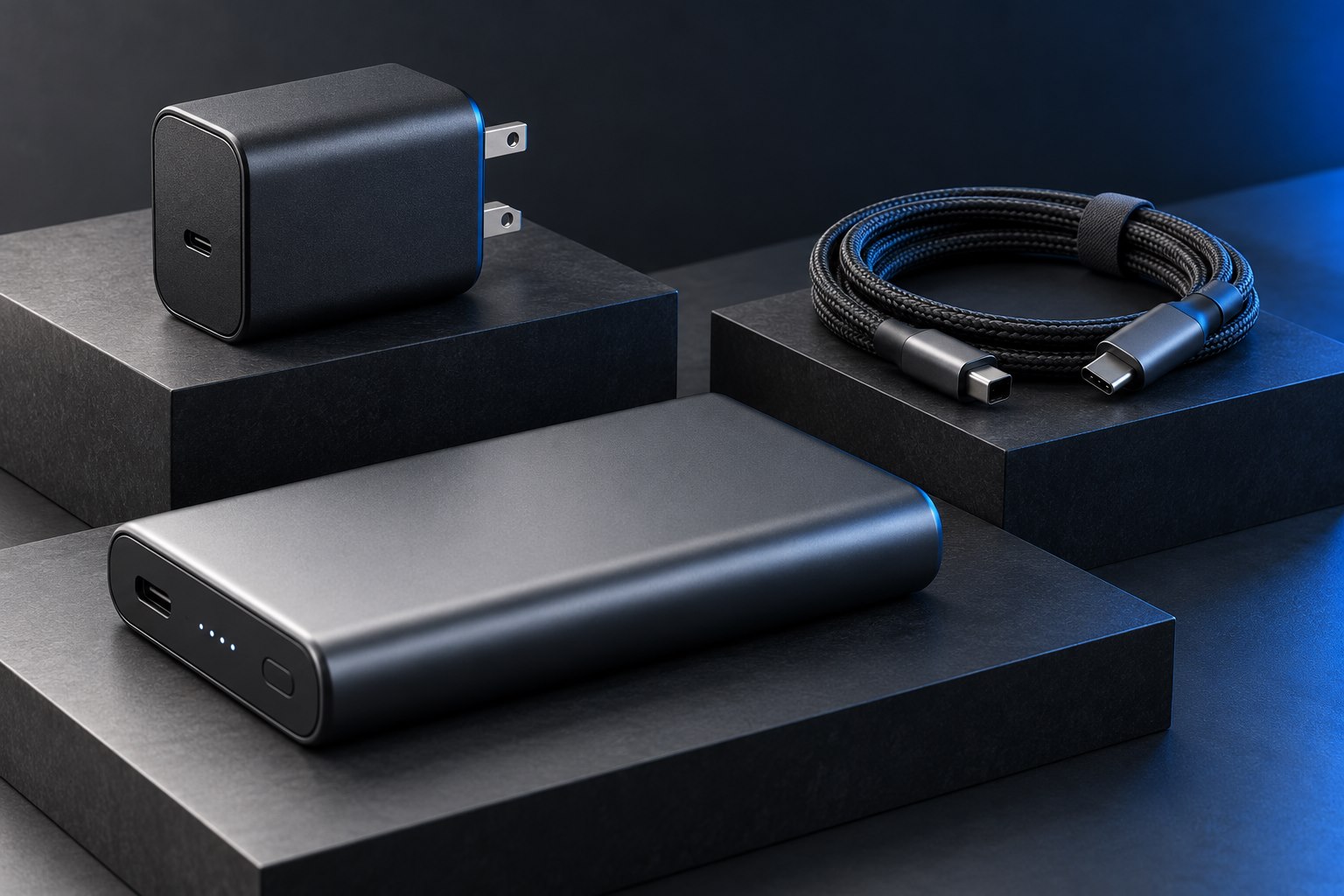
Choose a meter for the connection
An inline USB power meter sits between a source and a device and reports electrical information at that point. Before using one, check its supported connector, voltage, current, power range, and data or video passthrough limitations. Plugable publishes separate meter specifications and compatibility guidance, including distinctions between USB-C and USB-A. A meter suitable for an ordinary phone connection should not be assumed suitable for every high-power laptop arrangement.
Use the meter according to its instructions and keep it within its ratings. Adding a meter changes the connection by inserting another component and connector pair. If a dock's display or data function fails only when the meter is inserted, the meter may not support that path. For charging measurements, simplify the setup rather than assuming the meter is transparent to every protocol.
Read voltage, current, and power together
Power in watts is voltage multiplied by current in amps. A reading of 9 volts and 2 amps represents about 18 watts at the measurement point. The reading can change during the session as the device requests different power or reduces charging near full. It also includes energy used by the device's active operation, depending on the arrangement; it is not necessarily all entering the battery.
A charger rated for a high maximum can therefore show a low current without being faulty. The device may be nearly full, following a charge limit, managing temperature, or simply unable to use the charger's maximum. A meter makes the behavior visible but does not explain the cause automatically. Combine the reading with the device's status message and the documented charging requirements.
Use comparisons with controlled conditions
A useful comparison keeps the device, battery level, workload, and temperature reasonably similar while changing one component. For example, compare two documented compatible cables with the same charger and partly discharged phone. A large consistent difference can identify a cable-related limit worth investigating. Comparing one cable at 20 percent battery and another at 95 percent is much less informative.
For a multiport charger, observe what happens when another device is connected. The meter can show that the allocation changes, but the product's table is still needed to determine whether that behavior is expected. Do not interpret a momentary peak as the sustained charging rate. A longer observation under ordinary conditions is more useful for deciding whether the setup meets the routine.
Understand energy counters and their limits
Some meters accumulate watt-hours or charge over a session. Check how the meter resets, stores results, and defines its units. Energy passing through the meter is not the same as energy finally stored in the receiving battery because conversion and operation consume part of it. Similarly, a power bank's delivered output energy differs from its nominal internal cell energy. Comparing those numbers without their measurement points can create a false capacity conclusion.
| Meter observation | Reasonable interpretation |
|---|---|
| Voltage and current at one moment | Power flowing through that point under current conditions |
| Output changes after a second device connects | Possible power redistribution to compare with the charger manual |
| Accumulated watt-hours | Energy passing the measurement point during that recorded session |
| Low current near full charge | Potentially normal charging taper or a configured limit |
| No reading or interrupted function | Check meter compatibility and connection before diagnosing the device |
Keep the instrument in its role
A consumer meter is a troubleshooting aid, not a certification laboratory. It does not establish electrical safety, internal battery health, or compliance with every charging standard. Avoid using it to justify operating damaged equipment or bypassing protective behavior. When the readings suggest an unsupported or faulty arrangement, return to the device and charger specifications or seek manufacturer support. The most useful result is a clearer question supported by repeatable observations.
Sources & further detail
- Plugable: USB-C voltage and amperage meter specifications
- Plugable: USB-C meter compatibility limitations
- Plugable: Power-meter product ranges
These references support the technical context. Examples and selection advice are editorial explanations; verify the documentation for your exact equipment and software.
A detail we should revisit? Send the guide URL and the relevant documentation to SmithKent5791@outlook.com.
Read the editorial policy