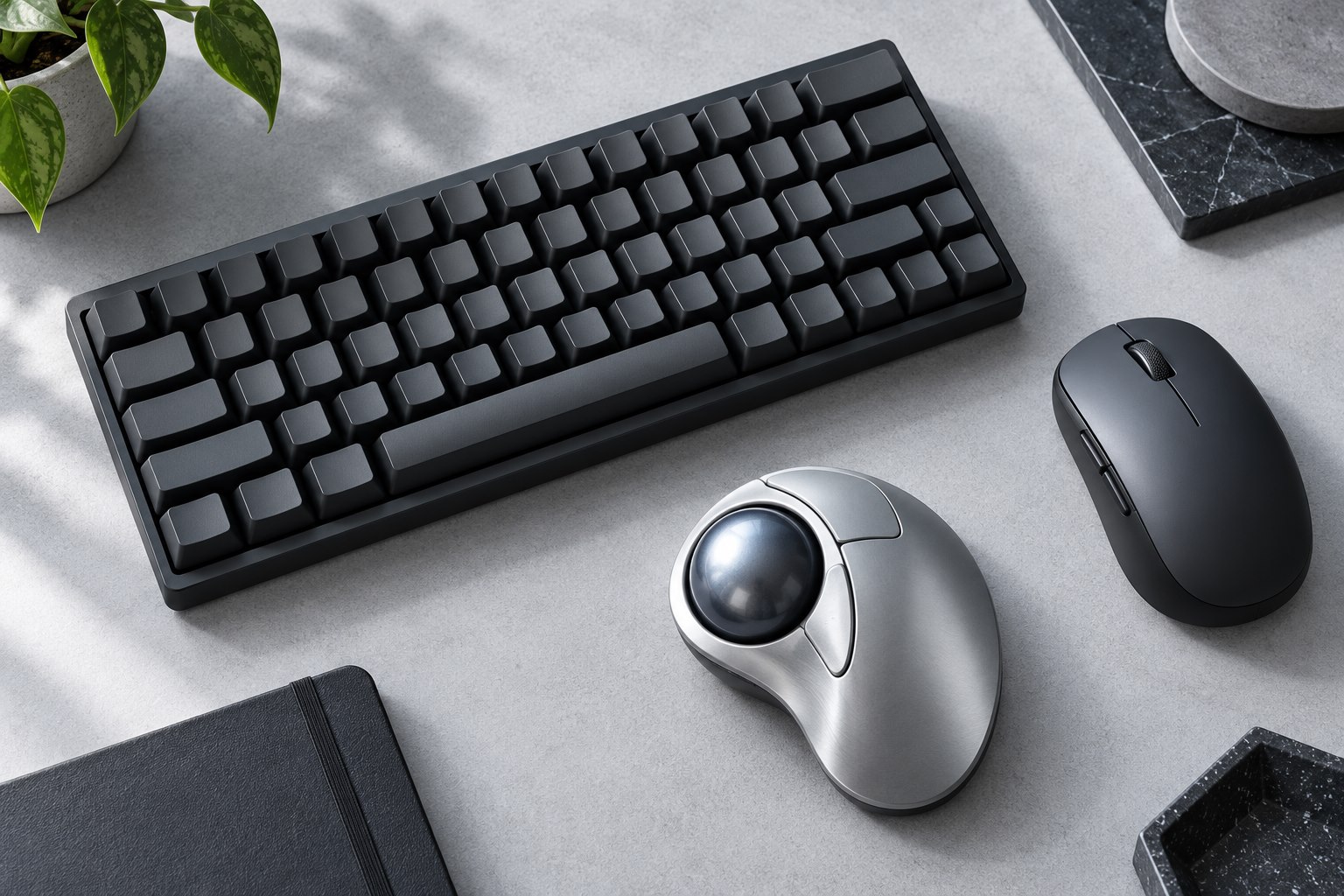
A different shape is not a universal answer
A vertical mouse changes the angle at which the hand holds the device. That can be appealing if a conventional flat shape does not suit your preferred position, but the product still needs to fit your hand and desk. Models vary in height, slope, thumb support, and button placement. Some are designed for particular hand sizes or handedness. Check those details before comparing colors or extra controls. This is a choice about an input device and its fit; it should not be treated as a guaranteed remedy for pain or a substitute for addressing a broader workspace problem.
Check the reach around the body
Rest your hand naturally on the mouse and see whether the main buttons and scroll wheel sit under the intended fingers. If you must pinch tightly to keep control or stretch to reach a side button, the shape may be wrong for you. A tall shell can also be easier to knock when moving between keyboard and mouse, especially in a crowded layout. Leave enough clearance beside the keyboard and test that transition several times. The thumb support should help locate the hand without forcing it into a fixed position that feels awkward during clicking and dragging.
Expect a different lifting movement
A vertical body changes how you pick up and reposition the mouse. Try a long drag, a precise selection, and a movement from one edge of the display to the other. Adjust pointer sensitivity so the required travel fits the available surface. Too low a setting may require repeated lifts; too high a setting may make small targets difficult. Start with moderate changes and use real application controls to judge the result. A new grip can take some familiarization, but that does not mean every difficulty should be ignored. Persistent slipping or an awkward reach is useful fit information.
Inspect software and everyday controls
Many vertical mice include programmable buttons or adjustable sensitivity. Confirm which functions work without companion software and whether settings remain stored when moving to another computer. If you use multiple hosts, check the location of the switching button; an underside control may be less convenient for frequent changes than a visible top control. Consider charging access and whether the mouse can be used while connected if needed. For left-handed use, buy an explicitly appropriate model rather than assuming a right-hand sculpted shell can simply be used in reverse. The shape makes handedness more consequential than on a plain symmetrical mouse.
Change the setup gradually
Keep the previous mouse available during a trial and alternate tasks deliberately rather than forcing a long first session. Position the new device close enough that the arm can remain relaxed, and revisit keyboard width if it pushes the mouse too far aside. Evaluate ordinary clicking, text selection, spreadsheet work, and scrolling separately. A vertical mouse may suit some of these tasks better than others. Keep it if the whole arrangement feels practical and controllable, with accessible buttons and stable movement. If not, a differently sized conventional mouse or another pointing method may fit the work better than a more extreme version of the same shape.
Sources & further detail
These references support the technical context. Examples and selection advice are editorial explanations; verify the documentation for your exact equipment and software.
A detail we should revisit? Send the guide URL and the relevant documentation to SmithKent5791@outlook.com.
Read the editorial policy