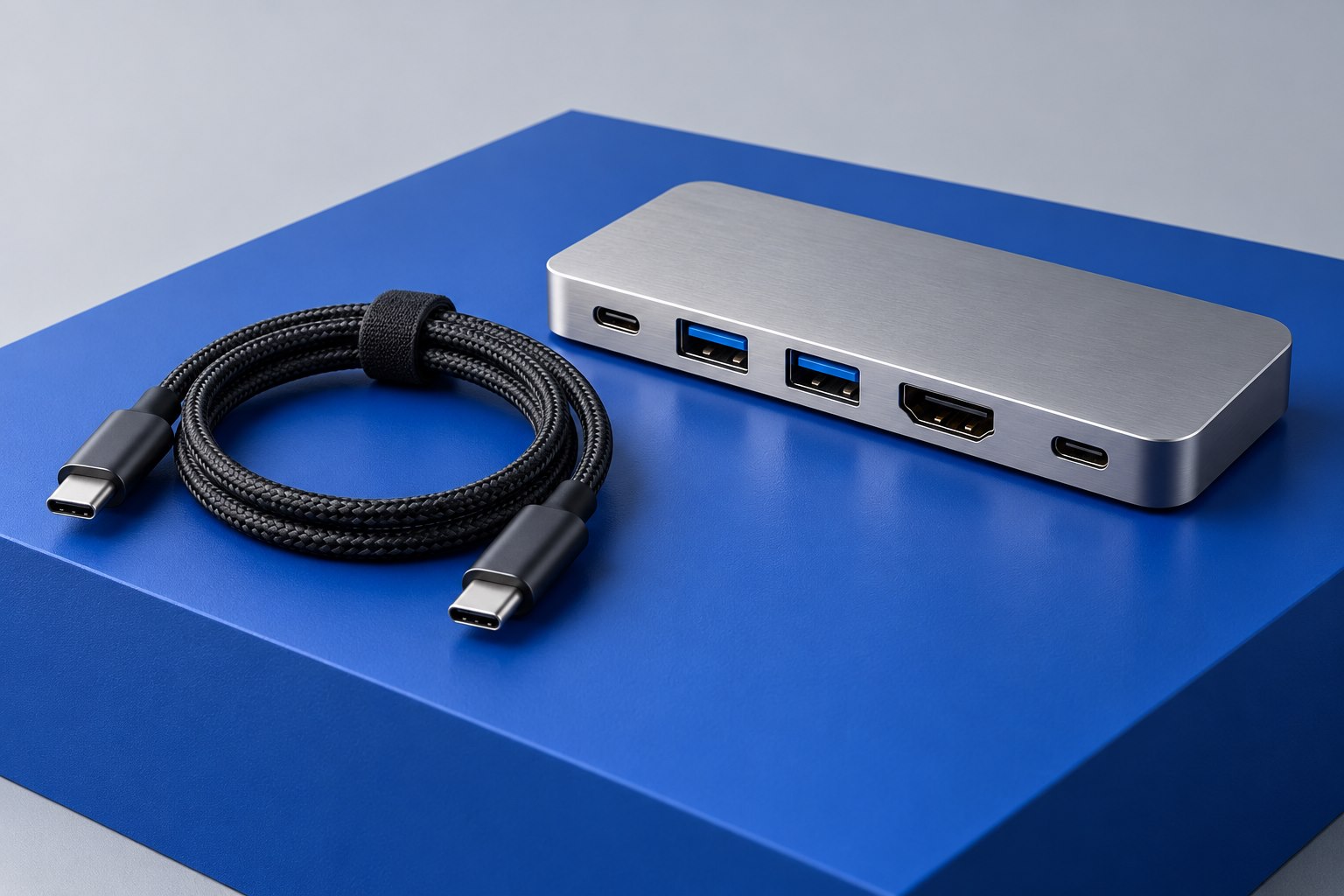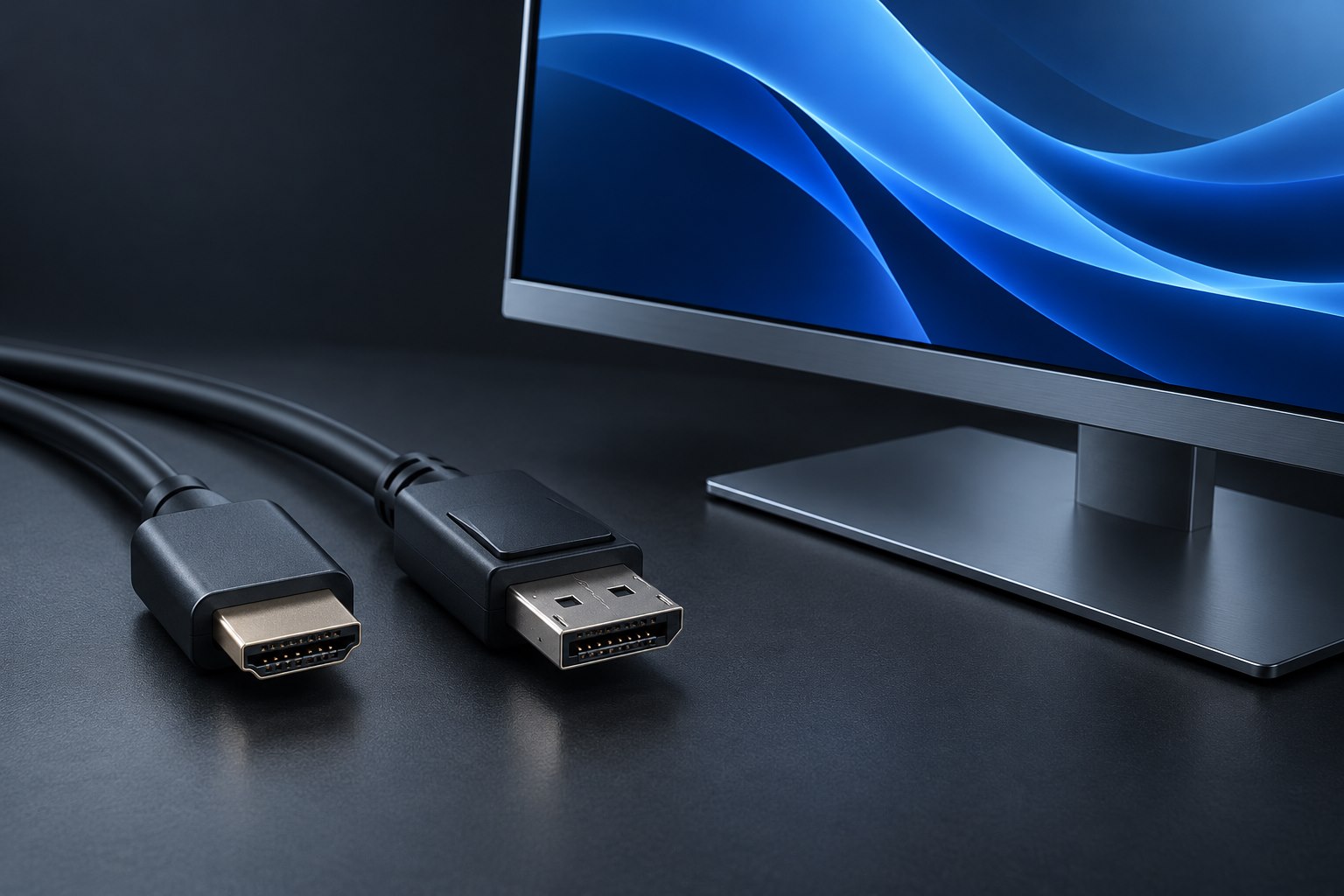
Count sources and destinations separately
A source generates video: a game console, streaming box, or computer. A destination displays or receives it: a television, projector, or capture device. Write these devices on paper and draw the connections you want. A switch selects among several sources for one destination. A splitter distributes one source to several destinations. A matrix combines routing choices, although its exact simultaneous-output behavior depends on the product.
This distinction matters when a shopping title casually uses several of those words together. A two-port device may offer two inputs and one output, or one input and two outputs. Some simple bidirectional selectors work in either arrangement but cannot drive both destinations simultaneously. Read the port diagram and the operating instructions rather than inferring the function from a photograph of the connector count.
Do not expect a splitter to create a second desktop
An ordinary HDMI splitter repeats the incoming picture. Connecting two monitors through it does not give a computer two independent desktop areas. For an extended desktop, the computer needs an appropriate multi-display output path, such as separate supported outputs or a compatible dock. Decide this before buying hardware, because a perfectly functioning splitter can still be the wrong product for the intended job.
A splitter is useful when the same presentation must appear on two screens, or when one source must feed both a display and another compatible receiver. Even then, mixed display capabilities can complicate the result. If one screen supports a demanding mode and the other does not, check how the splitter handles that mismatch. Some products offer scaling or configurable capability reporting; others do not.
Specify the features that must survive switching
List the desired resolution and refresh rate for every route. Then add features that matter to the source, such as HDR or variable refresh, and check them explicitly in the device specification. Each cable segment must also be suitable. A high-capability cable on either side does not remove a limit inside the switch. Likewise, a switch's maximum mode may apply only to particular combinations or cable lengths.
Automatic input switching can be convenient until a sleeping device wakes unexpectedly and steals the screen. A physical button or remote override can make the setup easier to live with. Check whether the product retains the last selected input after power loss and whether it requires a separate supply. Small operational details often matter more in daily use than a feature list with modes you never select.
Test every route before hiding the box
Build a simple test table with sources down one side and destinations across the top. Confirm each required route, then switch between them repeatedly. Watch for lost audio, unexpected resolution changes, or a screen that remains blank until a cable is reinserted. Also test a normal power-on sequence. These checks reveal whether the device behaves consistently with your actual combination, rather than only with one source already awake.
Keep the selector accessible until the arrangement has proved stable. Label inputs with device names instead of relying on port numbers remembered from installation day. If a problem appears, restore a direct source-to-display connection to establish a baseline. Troubleshooting becomes much easier when you can distinguish a source setting from an added switch, a changed cable, or a destination that negotiates a different mode.
Sources & further detail
- StarTech: HDMI splitter and display scaling specifications
- StarTech: HDMI matrix routing specifications
These references support the technical context. Examples and selection advice are editorial explanations; verify the documentation for your exact equipment and software.
A detail we should revisit? Send the guide URL and the relevant documentation to SmithKent5791@outlook.com.
Read the editorial policy