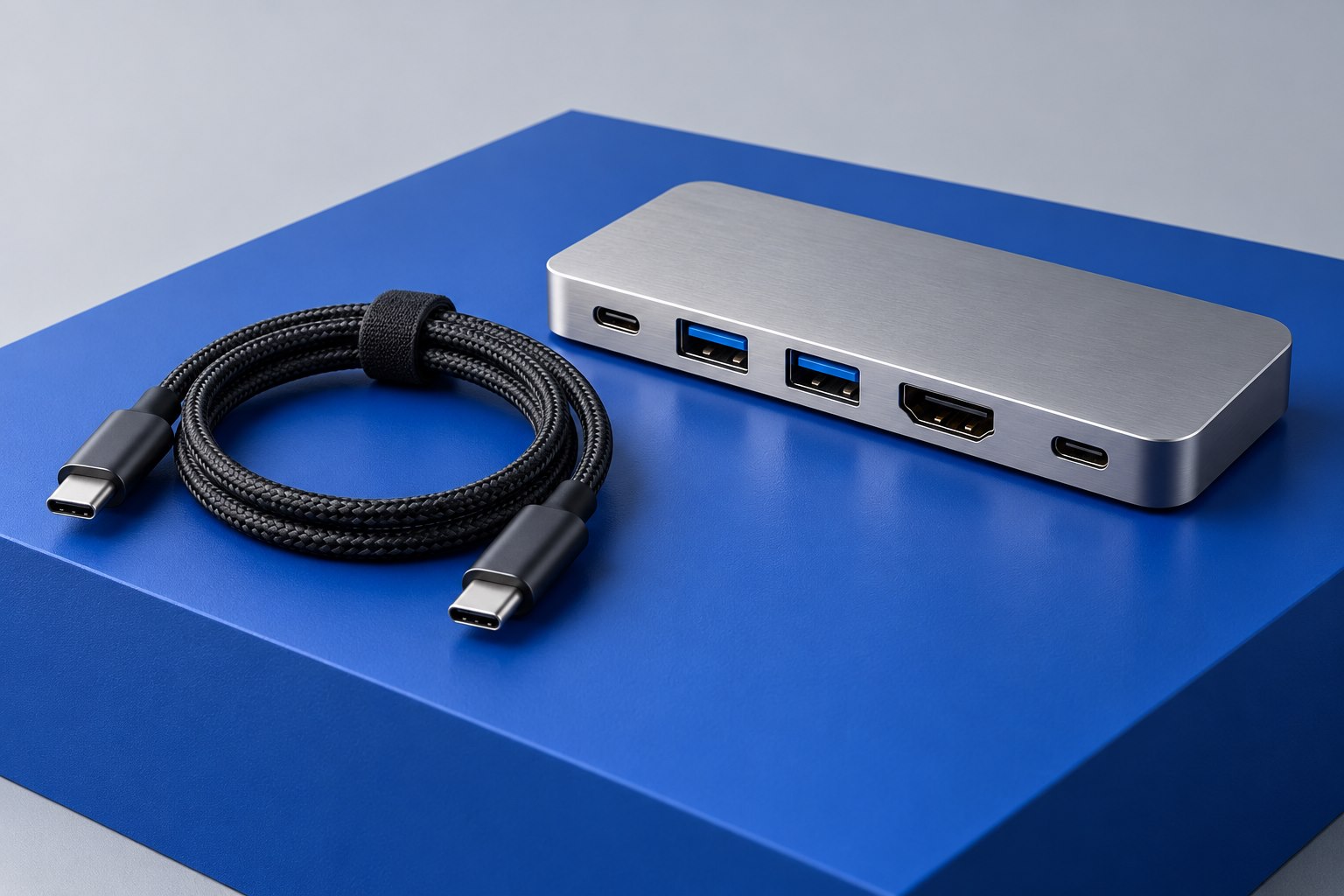
Measure the route at both extremes
A cable that reaches at a seated desk height may pull tight when the desk rises. A monitor arm can create the same problem when the screen moves forward or rotates. Measure the routed path at the full range of motion, not only the position used during installation. Include the turns through a tray and the bend behind each connector. A length chosen from the straight-line distance can be surprisingly short once the cable follows furniture.
Use a piece of string to model the route before buying. Move the desk and arm slowly through their normal range while watching the string. Identify where slack needs to gather and where it could catch. This simple physical check is often more useful than buying every cable in the longest available length and trying to hide the excess later.
Separate moving and stationary equipment
List which devices move with the desktop and which remain on the floor or wall. A dock mounted under the desktop moves with the laptop and monitor, so their local cables may need little extra slack. The dock's connection to a stationary outlet still needs a safe movement path. The arrangement should keep heavy power supplies supported rather than suspended by their leads.
Avoid routing cables through the desk's lifting mechanism or across sharp edges. Use the desk manufacturer's cable-management provisions where available. Reusable ties should guide the bundle without crushing it. If several cables share a sleeve, ensure the sleeve itself has enough movement and does not pull the individual plugs when stretched. The weakest point may be a small connector at either end rather than the visible middle of the bundle.
Do not solve length by adding undocumented extensions
A short extension can seem like an easy fix, but demanding USB-C, Thunderbolt, or video links have specific capability requirements. An extra connector or cable can alter the supported result. Prefer a complete cable of the required length and documented performance where possible. If an active extension is needed, choose a product explicitly intended for the connection rather than treating every matching socket as equivalent.
For a long display run, check the exact cable length and construction against the required mode. For a charging lead, verify the power rating as well as the physical length. A cable selected only because it reaches may silently reduce data performance or charging capability. Keep a note of the functions each cable must preserve so future tidying does not substitute a merely similar-looking lead.
Use a final movement check as part of setup
With the equipment connected, move the desk slowly through its range while another person watches the rear route if necessary. Stop if any cable becomes taut or rubs a moving part. Check the monitor arm separately, including rotation if you use portrait mode. The test should include the actual plug positions and cable bundle, because a loose test cord cannot reveal every interaction of the finished arrangement.
Leave accessible service loops near devices that may need unplugging. Label both ends of cables that disappear into a tray, using the connected device's name. A well-routed desk is not the one with the least visible cable at a single height; it is the one that moves without pulling, can be serviced without guessing, and retains the documented capabilities of every connection. Recheck the route whenever a monitor, dock, or computer changes position.
Sources & further detail
These references support the technical context. Examples and selection advice are editorial explanations; verify the documentation for your exact equipment and software.
A detail we should revisit? Send the guide URL and the relevant documentation to SmithKent5791@outlook.com.
Read the editorial policy